

No cure, no pay
Support
My laptop is showing a blue screen
Don’t panic! We’re happy to help you solve this problem
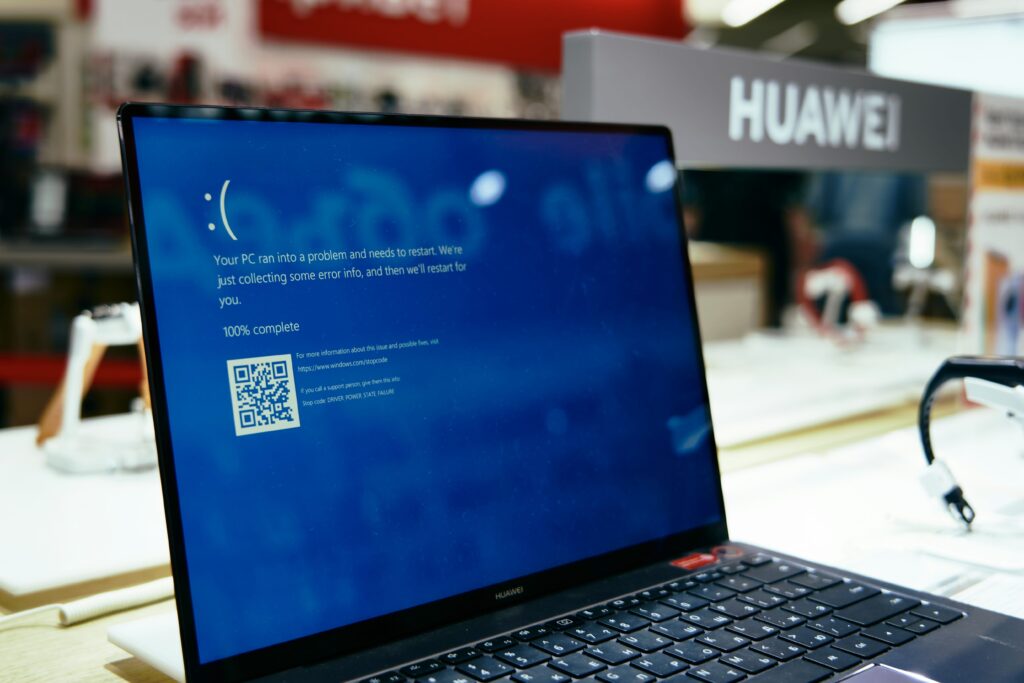
A blue screen is also known as a Blue Screen of Death. This might make you think there is nothing you can do about a blue screen when you start up your laptop, but nothing could be further from the truth. A blue screen in Windows, also known as a stop error, appears when there is a problem. This problem makes your laptop consider it safer to restart and show you an error message. A blue screen with an error message can feel like the end of the world, but it isn't. In this blog we show you which steps you can take to fix a blue screen. If you can't fix the problem yourself, you can always come to Fixers.
Why is there a blue screen at start-up?
There are several possible reasons why a blue screen appears after start-up. Windows does this when there are problems that, if left untreated, could cause further damage. For example, your Operating System (OS) may detect a problem that could result in a lot of data being lost if it stays unresolved. Important operating system data may also have been damaged. There could also be hardware problems or a virus, but even something as simple as overheating can lead to a blue screen. An error code is often shown on screen. This code can help you find and tackle the cause more quickly.
Make an appointmentVisit a store
Has my laptop overheated?
Overheating of your laptop or its processor can lead to a blue screen. If the device feels particularly hot, overheating may well have been the cause. Fortunately, the solution in such cases is simple. Wait for a while so your laptop can cool down. Once the laptop has had enough time to cool down, restart the device. An overheated laptop can happen more often if the fan has become dirty or worn out. Cleaning or replacing your fan prevents your laptop from overheating quickly in the future. In addition, the risk of overheating is higher in summer.
What if your laptop freezes during start-up?
Besides an overheated laptop, there can be other causes of a blue screen. A first tip is to write down the error code and then look it up online. Restarting your laptop can also fix many problems. This works, for example, in the case of a crash caused by excessive RAM usage.
A common problem is a faulty graphics driver. This can be solved by first starting the laptop in Safe Mode. Go to the Control Panel and uninstall the current graphics driver. Restart the laptop and install a new driver. If newly installed software is causing problems, uninstalling that software may be the solution. If there is a virus, your virus scanner may be able to deal with it. If that isn't possible, the only solution is to reinstall Windows. Don't forget to back up your files. Finally, there may be a defect in your laptop's hardware, for example the hard drive. In such cases, a repair of your laptop will be needed. At Fixers, we're happy to help.
Fixers tackles blue screens
If the tips above don't help you solve the problem, you can always come to Fixers. In such cases a repair is often needed, or a part of your laptop has to be replaced. We're happy to help you with this. We do it at sharp prices. If you visit one of our service points, we can often fix your problems within half an hour.