

No cure, no pay
Support
MacBook camera not working?
Don’t panic! We’re happy to help you solve this problem
The camera on your MacBook has stopped working. This is really annoying, especially if you regularly have Zoom meetings for work. And if you're a student taking online classes, you need your MacBook camera to work too. The webcam on your MacBook doesn't always work. There can be various causes. The good news is that you can often fix the problem yourself. That saves you money and means you can get straight back to using your camera. Below are a few tips. Is your MacBook camera still not working even though you followed our tips? In that case, you can always come to us to have your webcam repaired or replaced.
The built-in camera on my MacBook isn't working: what are the causes?
In many cases you can fix your webcam yourself. First, your operating system may not be recognising the camera. Go to the Apple icon and select About This Mac. Then click System Report. In the menu on the left, under Hardware, look for Camera. If both a Model ID and a Unique ID are shown here, the camera is being detected. If not, you can request support from Apple. An expert will look into why your webcam isn't being recognised and, if possible, will fix the problem.
Sometimes the solution is even more obvious. Always check that there isn't a speck of dirt or something similar covering the camera. Perhaps you covered your webcam with a sticker or tape at some point and forgot about it. It may also be that you haven't yet given an application permission to use your camera. For programs such as Zoom, Skype and Discord, you will first need to give these applications permission. You are often asked for this explicitly. If you want to check this, go to System Preferences > Security & Privacy > Camera. Here you can set which applications are allowed to use your webcam.
Make an appointmentVisit a store
The webcam still isn't working: what now?
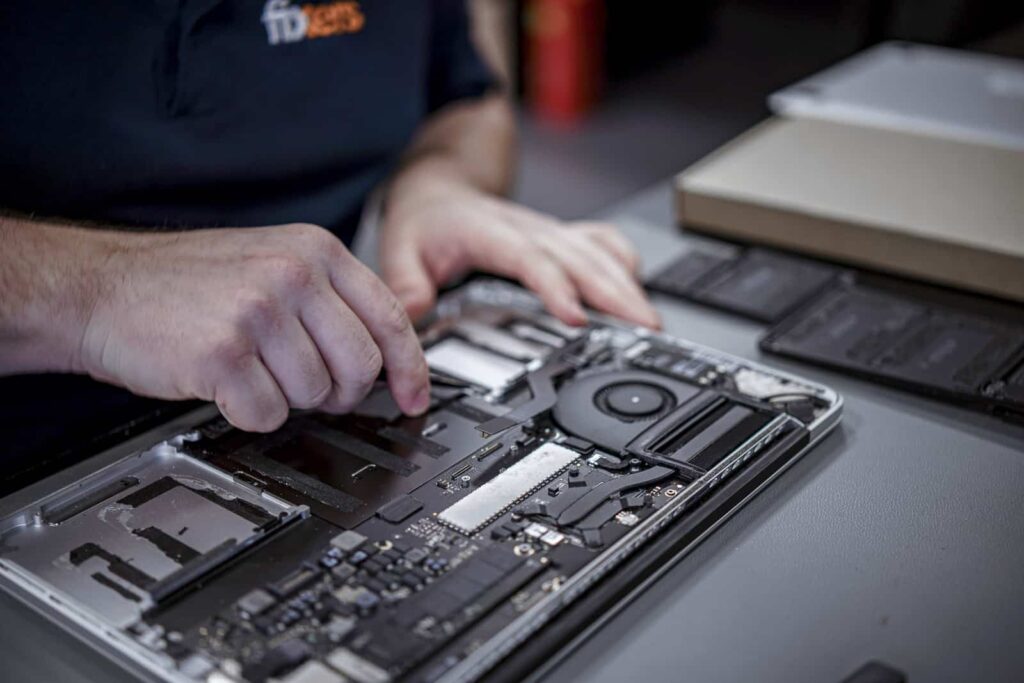
You can still try restarting your MacBook or resetting the settings of the application you need your camera for. But if that doesn't work either, something else is probably wrong. In that case, a repair or replacement will be needed. You can go to our Fixers experts for this. They are well versed in every MacBook model. Is the camera on your MacBook Pro not working? Or is your MacBook Air giving you trouble? We're happy to help.