

No cure, no pay
Support
Help! My MacBook won't charge
Don’t panic! We’ll gladly help you solve this problem
Your MacBook won't charge, even when the laptop is connected to your charger. This is a big problem, because without power the device will shut down at some point. In some cases you get a notification, but it can also happen that you don't get one. What do you do then? Whether your MacBook Pro battery isn't charging or your MacBook Air isn't charging: it can happen to any model. Your MacBook isn't charging because something is wrong. You can often fix the problem yourself and so save yourself some money. Below we give you a few tips. If you can't work it out, you can of course always come to Fixers.
My MacBook won't charge: what is the cause?
There are various possible causes when it comes to charging problems. Each cause needs its own approach. Firstly, the Optimised Battery Charging feature may be causing problems. Thanks to this feature, charging adapts to how you use your laptop. This stops your laptop from charging unnecessarily and also extends the life of your battery. Because the battery has to adapt to how you use it, charging may be paused temporarily. This should resolve itself, but that isn't always the case. If this is causing problems, you can turn off the Optimised Battery Charging feature by going to System Preferences. Then click Battery, and click Battery again on the left-hand side. After that, you can turn off Optimised Battery Charging.
Make an appointmentVisit a store
My MacBook battery won't charge because of a broken adapter
The problem can also lie in the power adapter. If you use the adapter from another Apple device, for example, your MacBook may drain faster than your laptop is being charged. As long as your adapter has enough wattage, charging shouldn't be a problem. Also make sure you use official Apple adapters, as these give the best results. To be safe, also check that the problem isn't down to your power socket. If it isn't, then your adapter is faulty. In that case you will have to buy a new adapter. Finally, adapters can overheat. Make sure there is enough ventilation and let your adapter cool down if it has got too hot. After that, your adapter should work again.
MacBook not charging, but the light is green
When the light on your MacBook is green, it indicates that the battery is full. However, this light can be on even though your battery is empty. Your MacBook isn't charging, but there is a connection with the adapter. So the fault isn't there. What is the problem, then? Firstly, check whether there is a loose battery connection. This can also be a sign of a damaged charging circuit. In that case, there is little you can do.
MacBook not charging? Let us help you
There are several more steps you can take to fix the problem. For example, there may be dust in the port, or you may not have the latest updates and this is causing problems. If you haven't received a notification that the battery needs replacing and turning your MacBook off and on again hasn't made a noticeable difference, you can come to us. Our Fixers experts will gladly help you if the tips above don't work.
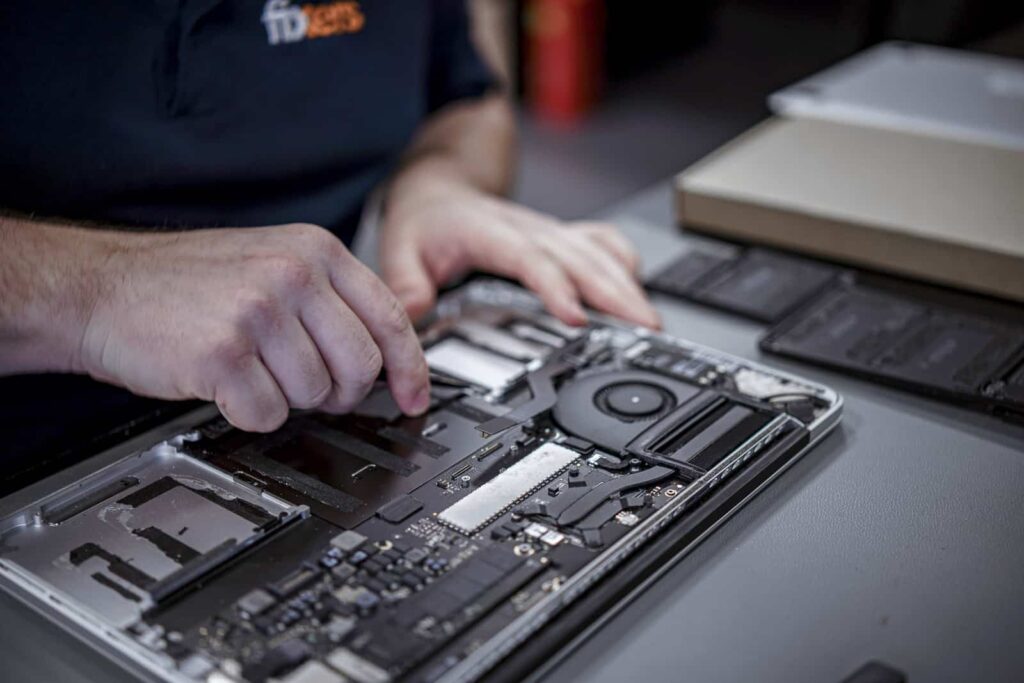
The great thing about our website is that you can come to us for problems with all kinds of MacBook models. Is your MacBook Pro 2018 not charging? Has your MacBook Air stopped charging? You can come to Fixers for all of these problems. We help you for a good price. On top of that, we are an Apple Independent Repair Provider. All our staff are Apple-certified and so know better than anyone how to fix your MacBook charging problems. In general, we can fix your problems within a day. So you're never without your MacBook for long.