

No cure, no pay
Support
MacBook trackpad not working?
Don’t panic! We’re happy to help you solve this problem
Your MacBook trackpad has suddenly stopped working. A trackpad, also known as a touchpad or the touch surface of your laptop, is essentially the mouse of a laptop. Just like with a mouse, you use your MacBook trackpad to control your laptop. So it's an important part that you can't do without. Unfortunately, your trackpad can stop working. Our experience tells us that a touchpad is one of the most fragile parts of a laptop. Whether your trackpad has stopped working completely or is slow to respond, you want this problem solved. Can you fix it yourself?
My MacBook trackpad isn't smooth enough
Various causes can lie behind a poorly working trackpad. Sometimes a repair is needed, but often it's simply a matter of updating or setting it up correctly. Your touchpad won't respond well if the trackpad is set too fast for you. This is mainly a problem for new users who are used to a regular mouse. A touchpad takes some getting used to. Fortunately, you can adjust the trackpad to your own pace. Click the Apple icon in the top left. From System Preferences, go to Accessibility, then look for Mouse & Trackpad. Then set Double-click speed to the pace that suits you best.
Another problem that sometimes occurs is that you've accidentally switched off your trackpad. You can switch your touchpad back on by connecting a mouse. Then go to System Preferences, click Accessibility and look for Mouse & Trackpad. Here you can switch the trackpad back on. In this menu you can also adjust the speed of the pointer, if that is the problem you're having. Adjust the Tracking speed until you find the level that suits you best. From sluggish to very fast, it's all possible. Finally, check that you're not accidentally touching the touchpad with a bracelet. These surfaces are sensitive and can't handle multiple types of input well. This can make your cursor go all over the place.
Make an appointmentVisit a store
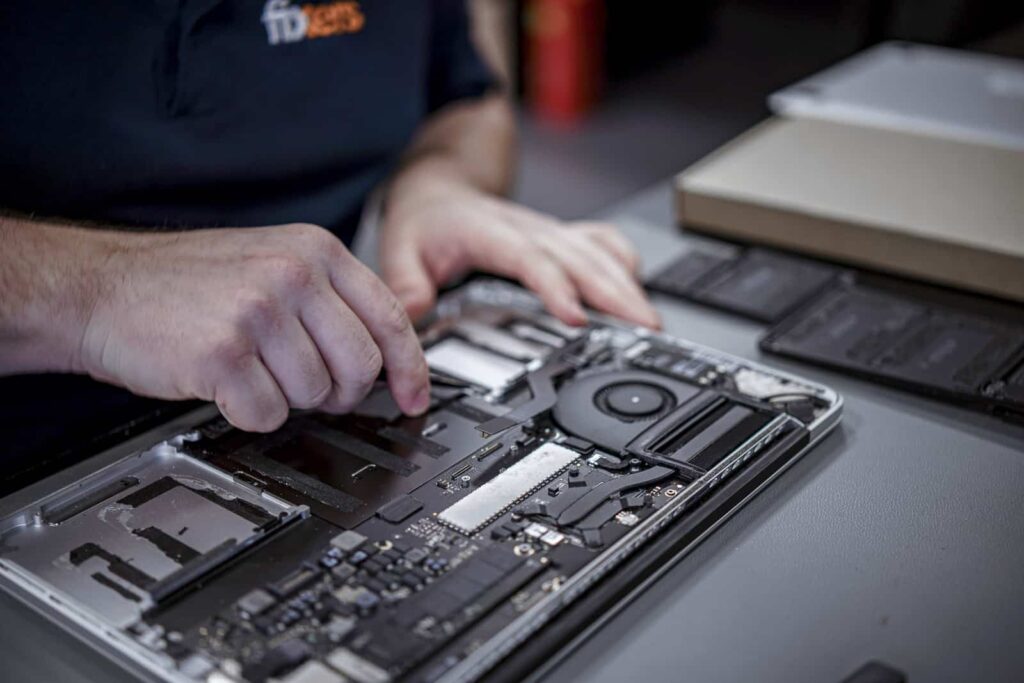
Why has my trackpad stopped working?
Sometimes your touchpad doesn't do what you want. This is annoying, but you can often fix it yourself by changing the settings. But what do you do if your trackpad has stopped working completely? First, check what you can do yourself. Sometimes the problem is caused by an update that still needs to be installed. You'll find all the updates you need in the App Store. That way you can be sure this isn't the problem. It can also happen that your battery is too flat to use the touchpad. This doesn't happen often, but it can happen.
Have you already tried our advice and is your trackpad still not working? Then the hardware itself may be the problem. Fortunately, our Fixers experts are happy to help you.