Your Samsung’s battery: check its health and keep it healthy for longer

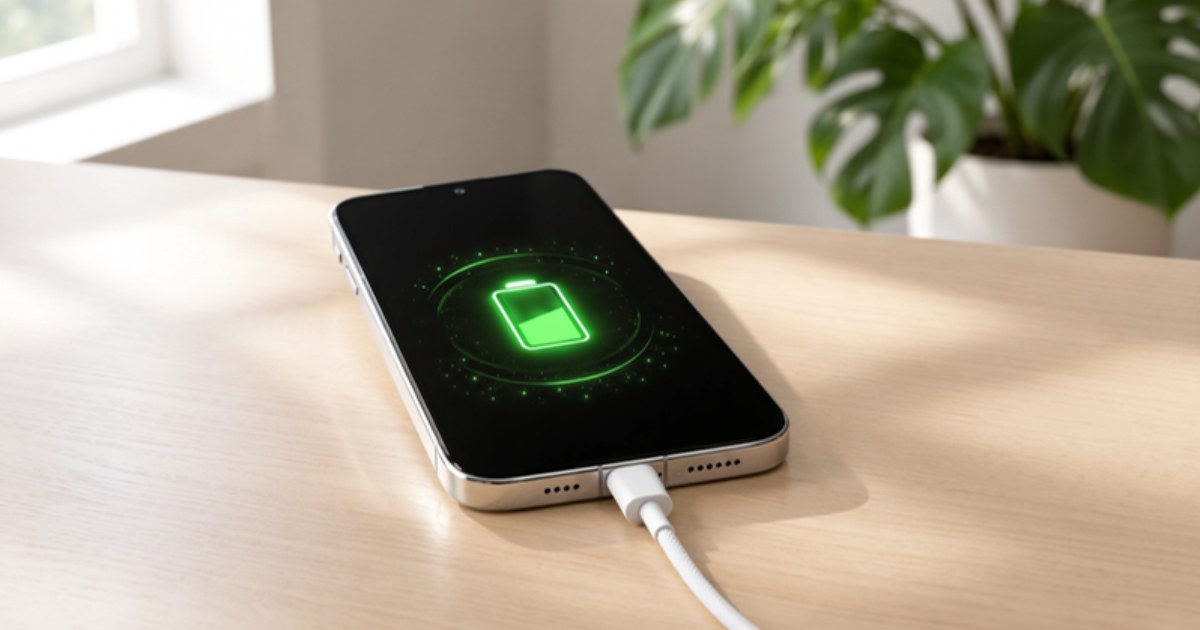
Is your Samsung no longer lasting the whole day? Then you want to know whether the battery is worn out or whether something else is going on. Samsung has handy tools for this, and a setting that helps your battery stay healthy for longer.
Open the Samsung Members app and choose Diagnostics › Battery status. If it says Bad, or the battery clearly holds its charge for less time, then replacing it is the sensible option. Also turn on Battery protection in Settings › Battery. Your battery will then wear out more slowly.
Checking battery health
- Open Samsung MembersIf the app isn’t on your phone, download it from the Galaxy Store or Play Store.
- Choose DiagnosticsOften under Support or on the Discover tab.
- Tap Battery statusYou’ll see whether the battery is Good, Normal or Bad.
On newer Galaxy devices you can also find extra details, such as the number of charge cycles, under Settings › About phone › Battery information.
Turning on Battery protection
Go to Settings › Battery › Battery protection. You can choose from:
- Basic: charges to 100% and pauses there, so it doesn’t stay full the whole time.
- Adaptive: charges to 80% overnight and tops up to 100% around your wake-up time.
- Maximum: stops at 80%. Best for battery lifespan.
Which options you see depends on your model and One UI version.
When to replace it
- Samsung Members shows Bad.
- Your phone shuts down at 20 or 30%.
- It gets warm during normal use.
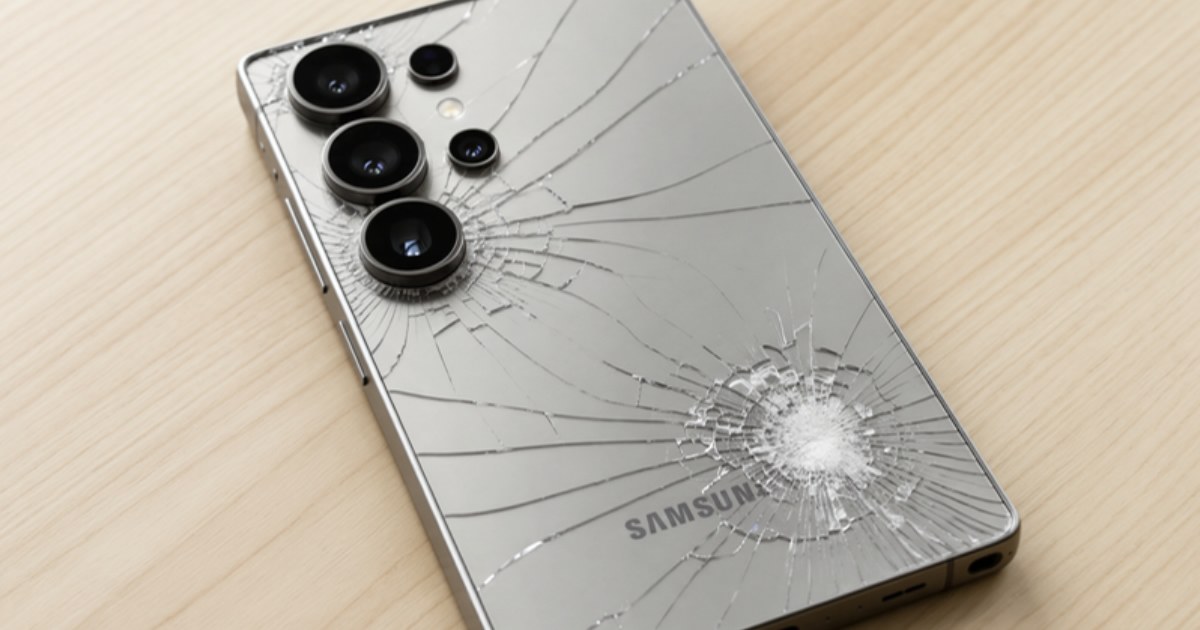
- The back or the screen is lifting. Stop charging immediately.
Replace your Samsung’s battery
Choose your Samsung and then Battery. You’ll see the price for your model straight away.
- Open 7 days a week
- Warranty of up to 12 months
- Done while you wait
Frequently asked questions
Where can I see the battery health of my Samsung?
In the Samsung Members app under Diagnostics › Battery status. On newer models you can also find it in Settings › About phone.
Is charging to 80% better?
Yes, for the lifespan of your battery. You will have slightly less charge each day, though.
Can I replace my Samsung’s battery myself?
We advise against it. The battery is glued in place and the screen or the back has to come off.
Will my phone stay water-resistant after a battery replacement?
We seal it with new adhesive. Nobody gives a guarantee on waterproofing, so handle it carefully.
Related reading
Daan has been a technician at Fixers for three years and is certified for Apple (Atlas) and Samsung (GSPN). He works at Fixers Leiden and helps write the knowledge base, so you can often fix a problem yourself first.