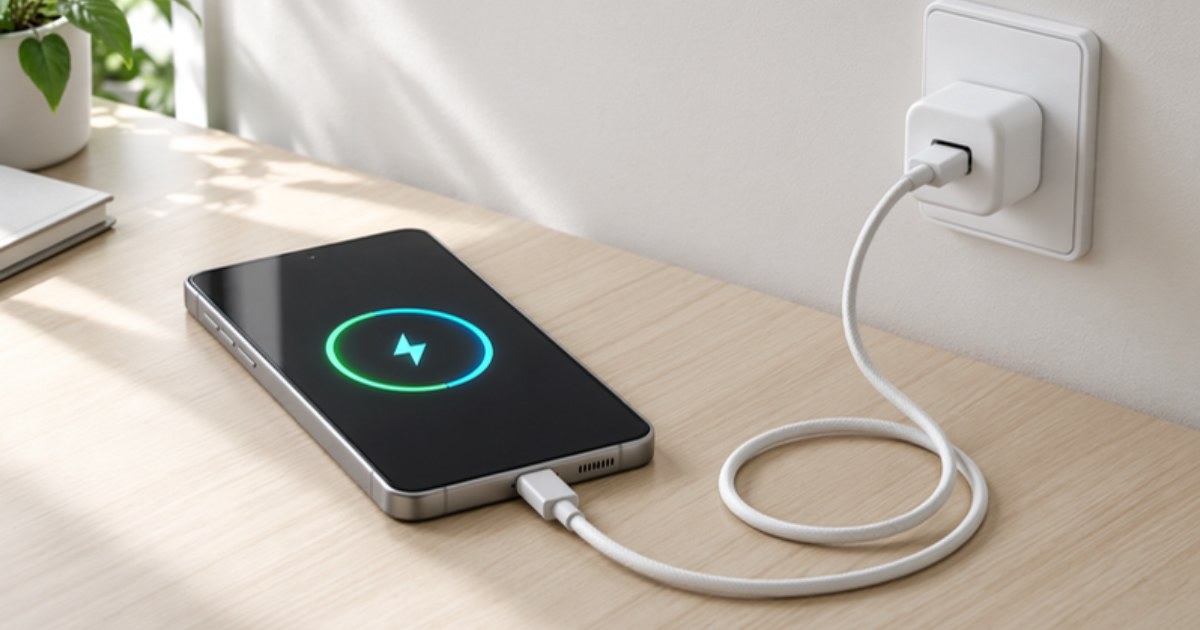
Samsung lost or stolen? How to find or block it


You reach into your pocket and your Samsung is gone. Lost on the sofa or really stolen? With SmartThings Find or Google’s Find feature, you can often see where it is within a minute. Then you decide whether to make it ring, lock it or wipe it.
On a computer or another phone, go to SmartThings Find and log in with your Samsung account. You’ll see where your phone is and can make it ring, lock it or wipe it. If that doesn’t work, use Google’s Find feature with your Google account. If it has been stolen, also block your SIM card and report it to the police.
How to find it
- Open SmartThings FindOn a computer or another phone. Log in with your Samsung account.
- Check the locationEven if your phone is offline, it can be located via other Galaxy devices nearby, as long as Offline finding is switched on.
- Make it ringHandy if it’s somewhere in the house. It also rings if the sound is turned off.
- Lock itWith a message and a phone number where the finder can reach you.
Don’t have a Samsung account? Then use Google’s Find feature via your Google account.
Has it been stolen?
- Lock it remotely, and only wipe it once you’re sure you won’t get it back.
- Block your SIM card via your provider, so nobody can make calls at your expense.
- Change your passwords, especially for your e-mail, bank and Samsung and Google accounts.
- Report it to the police. The IMEI number is on the box or in your Samsung account.
Switch this on now
Go to Settings › Security and privacy and look for Find My Mobile or Theft protection. Switch on: Find My Mobile, Remote unlock, Send last location and Offline finding. Also read our tips on how to protect your phone against theft.
Found it but damaged?
Choose your Samsung and the repair. You’ll see the price for your model straight away.
- Open 7 days a week
- Warranty up to 12 months
- Ready while you wait
Frequently asked questions
Can I find my Samsung if it’s switched off?
Sometimes. With Offline finding, your phone can still be located for a while via other Galaxy devices nearby.
What happens if I wipe it remotely?
Everything on your phone is erased and you can no longer find it afterwards. Only do this as a last step.
Where do I find the IMEI number?
On the box, on your receipt or in your Samsung account. On the phone itself, dial *#06#.
Can someone just use my stolen Samsung?
With a good screen lock and a linked account, that is very difficult.
Also read
Daan has been a technician at Fixers for three years and is certified for Apple (Atlas) and Samsung (GSPN). He works at Fixers Leiden and helps write the knowledge base, so you can often solve a problem yourself first.