Fast charging not working on your Samsung: what you can check

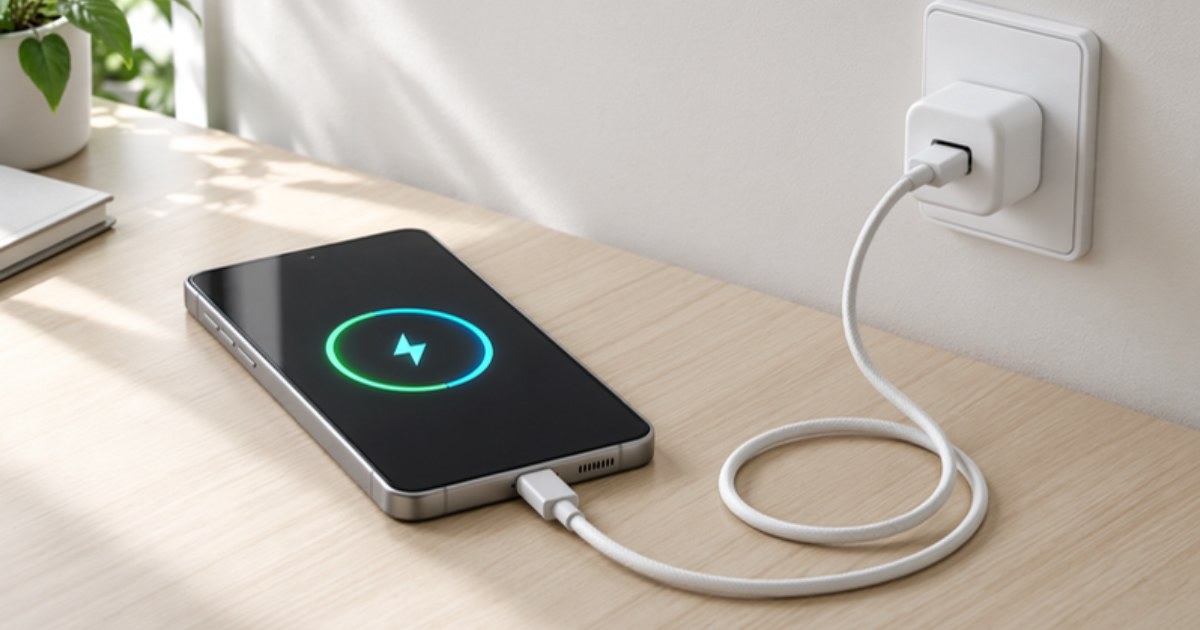
Your Samsung used to be fully charged in an hour. Now it takes forever, or you see a message saying it’s charging slowly. Fast charging depends on three things: the settings, the adapter and the cable. If one of them isn’t right, it charges at a low speed.
Check in the battery settings whether fast charging is turned on. Use a USB-C adapter with PPS of at least 25 watts, and for 45 watts also a suitable 5A cable. If it still charges slowly with the right charger, clean the port. If that doesn’t help, the port is worn.
1. Settings
- Open the battery settingsSettings › Battery, then Charging settings or More battery settings.
- Turn on fast chargingOn recent models it’s called Fast charging or Super fast charging.
- Check Battery ProtectionWith Adaptive or Maximum, your phone deliberately charges more slowly or stops charging earlier.
2. Adapter and cable
| What you want | What you need |
|---|---|
| Fast charging | USB-C adapter with Power Delivery |
| Super fast charging (25 watts) | Adapter with PPS of at least 25 watts |
| Super fast charging 2.0 (45 watts) | Adapter with PPS of 45 watts and a 5A cable |
What speed your phone can handle depends on your model. An old adapter with a regular USB port always charges slowly.
3. Port and heat
- Heat. If your phone gets warm, for example while gaming or in the sun, it charges more slowly to protect the battery.
- Use while charging. Watching videos or navigating while charging slows down charging.
- Dirty port. Lint in the port causes poor contact. Carefully clean it with a wooden toothpick.
- Worn port. If the plug feels loose or it only charges in a certain position, the port needs to be replaced.
Have your charging port checked
Choose your Samsung and then Charging port. We’ll first test with a known-good charger.
- Open 7 days a week
- Warranty of up to 12 months
- Done while you wait
Frequently asked questions
Why do I see a message that my Samsung is charging slowly?
Your adapter or cable doesn’t support fast charging, or the port isn’t making good contact.
Is super fast charging bad for the battery?
Not if your phone doesn’t get too hot. Samsung controls the charging speed itself.
Will an iPhone charger work on my Samsung?
A USB-C adapter with Power Delivery charges your Samsung quickly, but super fast charging requires PPS.
Can a dirty port slow down charging?
Yes. Lint stops the plug from making good contact.
Read also
Daan has been a technician at Fixers for three years and is certified for Apple (Atlas) and Samsung (GSPN). He works at Fixers Leiden and helps write the knowledge base, so you can often solve a problem yourself first.