Transferring your data to your new Samsung with Smart Switch

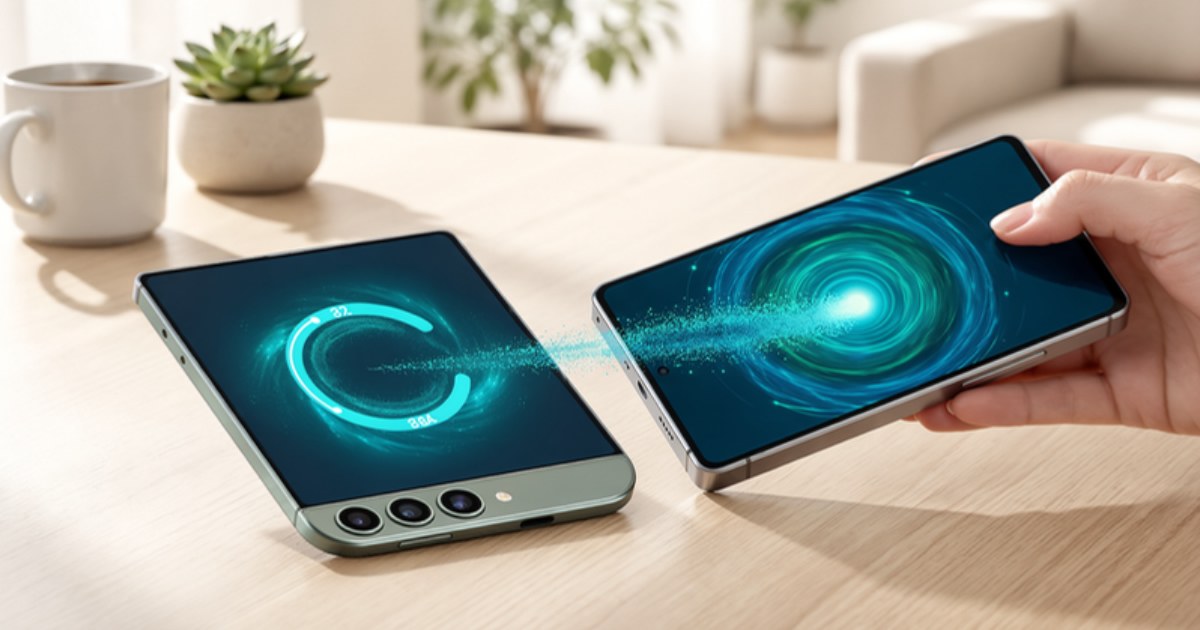
You have a new Samsung and want to take everything with you: photos, contacts, apps and, preferably, your WhatsApp conversations too. With Samsung’s Smart Switch you can do it all in one go. It works from another Galaxy, but also from an iPhone.
Turn on your new Samsung and choose to copy data during setup. Place your old phone next to it and open Smart Switch on it. Wireless works fine, but it is faster with a USB-C cable. From an iPhone, you can also bring your WhatsApp chats with you using a cable.
Before you start
- Charge both phones, or keep them plugged into the charger.
- Install Smart Switch on your old phone if it isn’t a Samsung. On an iPhone you don’t need the app if you transfer with a cable.
- Make sure you have your Google account and Samsung account to hand.
- Make a backup in WhatsApp to be safe.
How to transfer everything
- Turn on your new SamsungDuring setup, choose to copy apps and data.
- Choose your old deviceGalaxy or Android, or iPhone or iPad.
- Choose wireless or cableWith a USB-C cable it is faster. For an iPhone with Lightning you need a USB-C to Lightning cable.
- Choose what to bringPhotos, contacts, messages, apps and settings.
- Wait until it’s finishedKeep the phones close together. Depending on the amount of data, it takes between fifteen minutes and an hour.
WhatsApp and eSIM
WhatsApp from Samsung to Samsung comes along via your Google backup or Smart Switch. If you are coming from an iPhone, you can bring your chats with you using a cable connection during setup. Follow the on-screen steps for this.
If you use an eSIM, it depends on your provider whether you can transfer it directly. If that doesn’t work, request a new eSIM through your provider’s app or customer service.
Get your old phone repaired first?
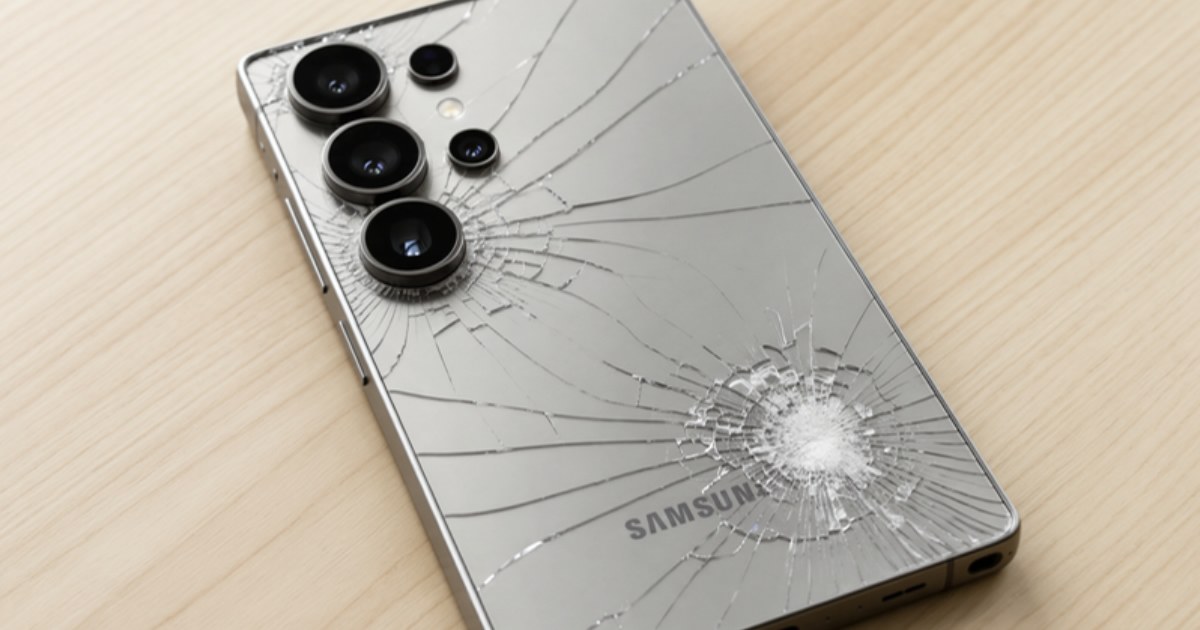
Can’t transfer because of a broken screen or battery? Choose your old Samsung and the repair.
- Open 7 days a week
- Warranty of up to 12 months
- Done while you wait
Frequently asked questions
How long does transferring with Smart Switch take?
Between fifteen minutes and an hour, depending on how many photos and videos you have.
Can I transfer from an iPhone to a Samsung?
Yes, with Smart Switch. If you use a cable, your WhatsApp chats come along too.
Will my apps come along?
Apps from the Play Store are reinstalled. With some apps you will need to log in again.
Do I need to wipe my old phone afterwards?
Yes, if you are giving it away or selling it. Read our checklist for selling or trading in.
Also read
Daan has been a technician at Fixers for three years and is certified for Apple (Atlas) and Samsung (GSPN). He works at Fixers Leiden and helps write the knowledge base, so you can often solve a problem yourself first.