iPhone camera blurry, shaking or buzzing? How to find the cause

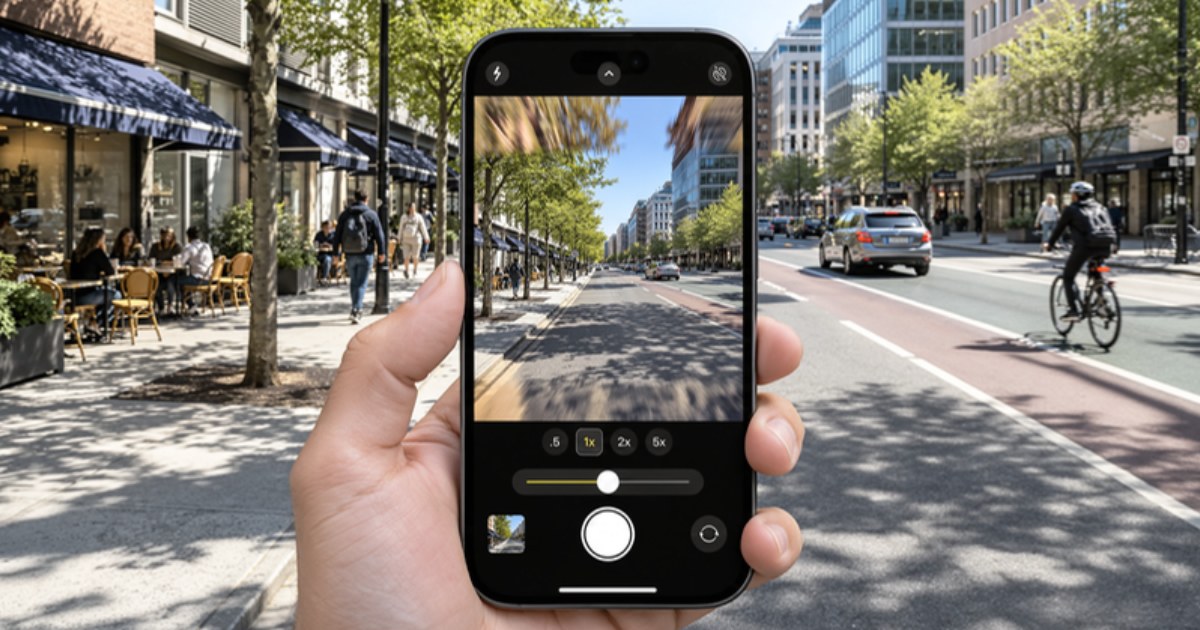
You open the camera and the image shakes, vibrates or keeps trying to focus. Or your photos are suddenly blurry. Sometimes you can even hear the camera softly buzzing or ticking. Luckily, it isn’t always the camera itself. With these checks you’ll quickly know where the problem lies.
First clean the lens and take your case off. Then test each lens separately. If only one lens is blurry or the image only shakes on that one, that camera or its image stabilisation is broken. This often happens after a drop or because of vibrations, for example from a motorbike. In that case the camera needs to be replaced.
What you can check yourself
- Clean the lensA fingerprint or greasy smear is the most common cause of blurry photos. Use a dry microfibre cloth.
- Take your case offA case or lens protector can sit crooked or scatter the light.
- Test each lensSwitch between 0.5x, 1x and the telephoto lens. Often only one camera is the problem.
- Restart your iPhoneIf it’s a software glitch, this sometimes helps already.
- Update iOSVia Settings › General › Software Update.
The most common causes
- Cracked camera glass. A small star-shaped crack in the glass in front of the lens causes blurry patches or light spots.
- Broken image stabilisation. The lens floats on tiny magnets. After a hard drop or prolonged vibrations, these can get damaged. The image then shakes or the camera makes a buzzing sound.
- Autofocus not working. The camera keeps searching for focus or can’t focus up close.
- Moisture. A haze or condensation behind the glass after getting wet.
Do you ride a motorbike or scooter with your iPhone in a holder on the handlebars? Apple warns that the strong vibrations of a motorbike can damage the image stabilisation. In that case, use a holder with vibration dampening.
When does the camera need replacing?
If only one lens is blurry, the image shakes or you can hear the camera, then the camera is damaged. Cleaning won’t fix that. With cracked camera glass, we can often replace just the glass. With broken stabilisation or autofocus, we replace the camera.
On an iPhone 12 or newer, a replaced camera shows up in the parts history. Read in our article on Unknown Part what that means.
Have the camera checked or replaced
Choose your iPhone, then Camera. We first test which lens is causing the problem.
- Open 7 days a week
- Warranty of up to 12 months
- Ready while you wait
Frequently asked questions
Why is my iPhone camera buzzing?
This is usually caused by damaged image stabilisation. The lens then moves uncontrollably. This won’t fix itself.
Can a screen protector over the camera cause blurry photos?
Yes. If there is dirt underneath or it is damaged, you will see it in your photos. Take it off and test again.
Is only the camera glass replaced, or the whole camera?
If only the glass is cracked and the camera works fine, we replace the glass. If the camera itself is damaged, we replace the camera.
Does the Face ID camera play a part too?
No, that is a separate camera on the front. You can read about Face ID problems in our article about Face ID.
Also read
Daan has been a technician at Fixers for three years and is certified for Apple (Atlas) and Samsung (GSPN). He works at Fixers Leiden and contributes to the knowledge base, so that you can often try to solve a problem yourself first.