iPhone doing things by itself (ghost touch): how to find the cause

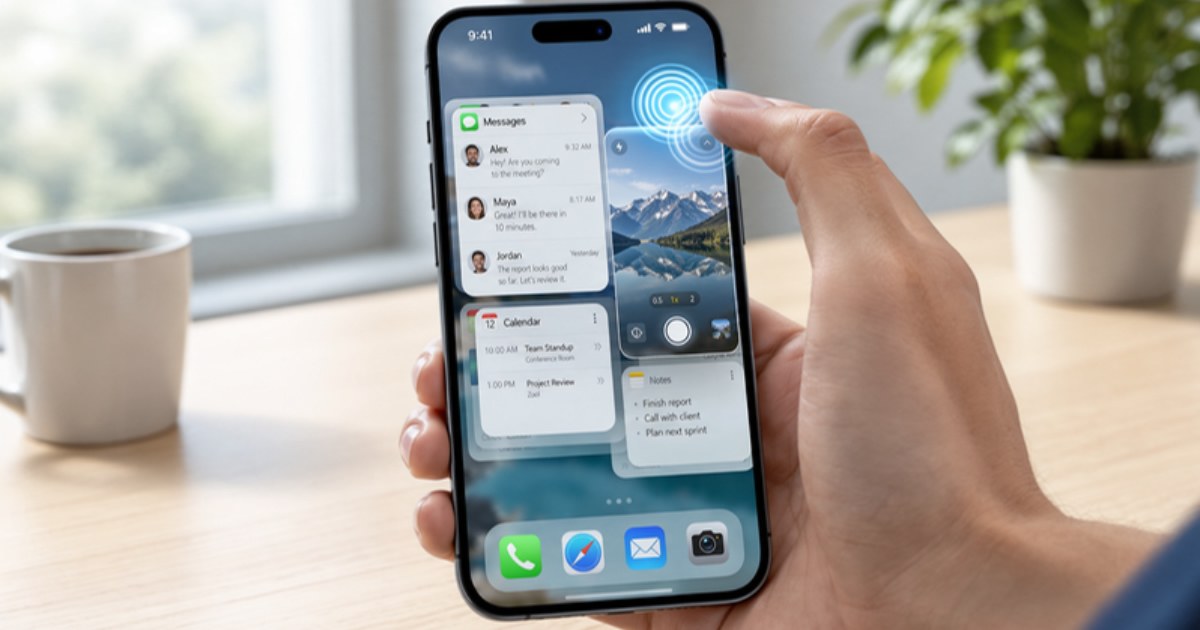
Apps open by themselves, letters appear in your messages or your iPhone suddenly calls someone. This is called ghost touch: the screen thinks you’re touching it when you aren’t. It’s annoying and sometimes awkward. The cause is often simpler than you think.
Unplug the charger, clean the screen and take off your screen protector and case. Restart your iPhone. If it only happens while charging, the problem is your charger or cable. If it keeps happening, even without the charger and screen protector, the screen is usually damaged and needs to be replaced.
Quick checks
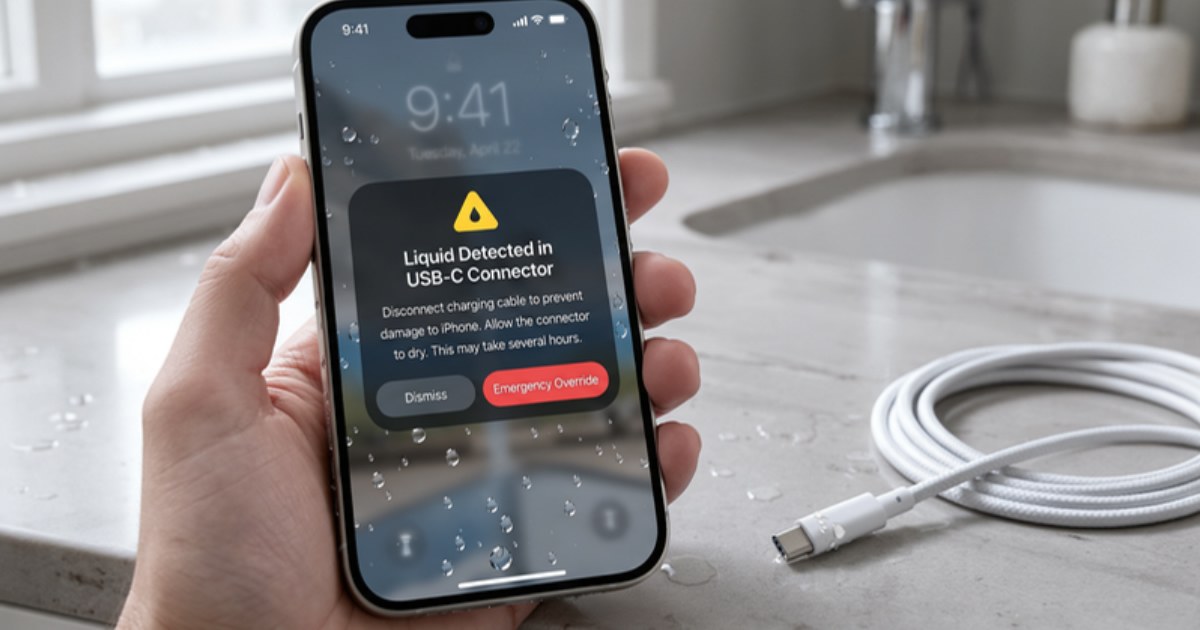
- Unplug the chargerA cheap or damaged charger can interfere with the touchscreen. If it only happens while charging, you know enough.
- Clean and dry the screenWater droplets, sweat and grease are sometimes registered as a touch.
- Take off the screen protector and the caseA cracked screen protector or a case that presses on the edge can cause ghost touch.
- Restart your iPhoneAnd update iOS via Settings › General › Software Update.
If the screen is the problem
If your iPhone keeps doing things by itself, the problem is usually in the touchscreen. We see this:
- after a drop, even if there’s no crack to be seen;
- when a screen has come loose, for example because of a swollen battery;
- after moisture;
- with a previously replaced screen of poor quality.
Can you see a gap between the screen and the housing? Then stop using your iPhone and have it checked. A bulging battery can push the screen outwards.
Handy in the meantime
Is your iPhone sending messages or making calls by itself? Then turn off Siri on the Lock Screen and use a passcode. That way you prevent things from happening while it’s in your pocket. Also get a backup ready.
Have your screen tested or replaced
Choose your iPhone and then Screen. If you’re not sure the screen is the problem, we’ll test it first.
- Open 7 days a week
- Warranty of up to 12 months
- Done while you wait
Frequently asked questions
Can a charger cause ghost touch?
Yes. A poor or faulty charger sometimes interferes with the touchscreen. Try an original or a good certified charger.
Does ghost touch go away after an update?
If it’s a software glitch, yes. Most of the time it’s down to the hardware, such as the screen.
My iPhone hasn’t been dropped. Can the screen still be broken?
Yes. Pressure in a bag, moisture or a swelling battery can damage the touchscreen without you seeing a crack.
Can I turn ghost touch off temporarily?
No, but with a passcode and without Siri on the Lock Screen you prevent most mishaps.
Also read
Daan has been a technician at Fixers for three years and is certified for Apple (Atlas) and Samsung (GSPN). He works at Fixers Leiden and helps write the knowledge base, so that you can often solve a problem yourself first.