Green or pink line on your iPhone screen: cause and solution

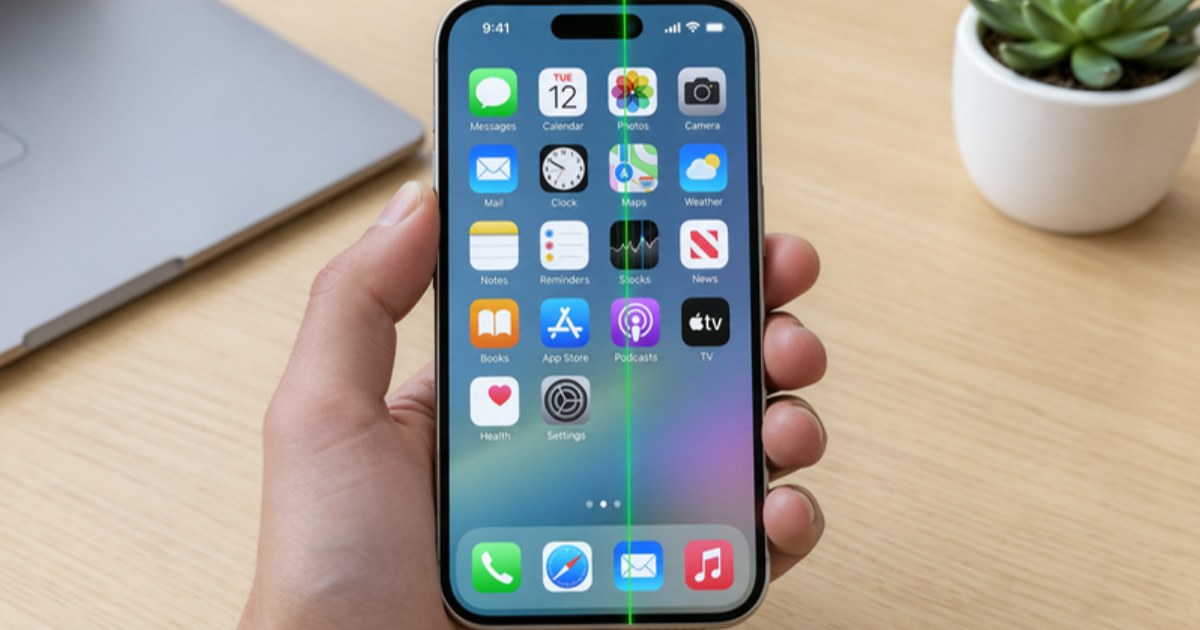
Suddenly a thin green or pink line runs from top to bottom across your screen. Your iPhone otherwise works fine. We mostly see this on iPhones with an OLED screen, from the iPhone X onwards. Sometimes after a drop, sometimes out of nowhere after an update.
Take a screenshot. If the line isn’t on the screenshot, the problem is in the screen itself. Restart and update your iPhone first. If the line stays, it almost never goes away on its own and the screen needs to be replaced.
Software or screen? How to test it
- Take a screenshotLook at it on another device. If you can’t see the line there, the problem is in your screen.
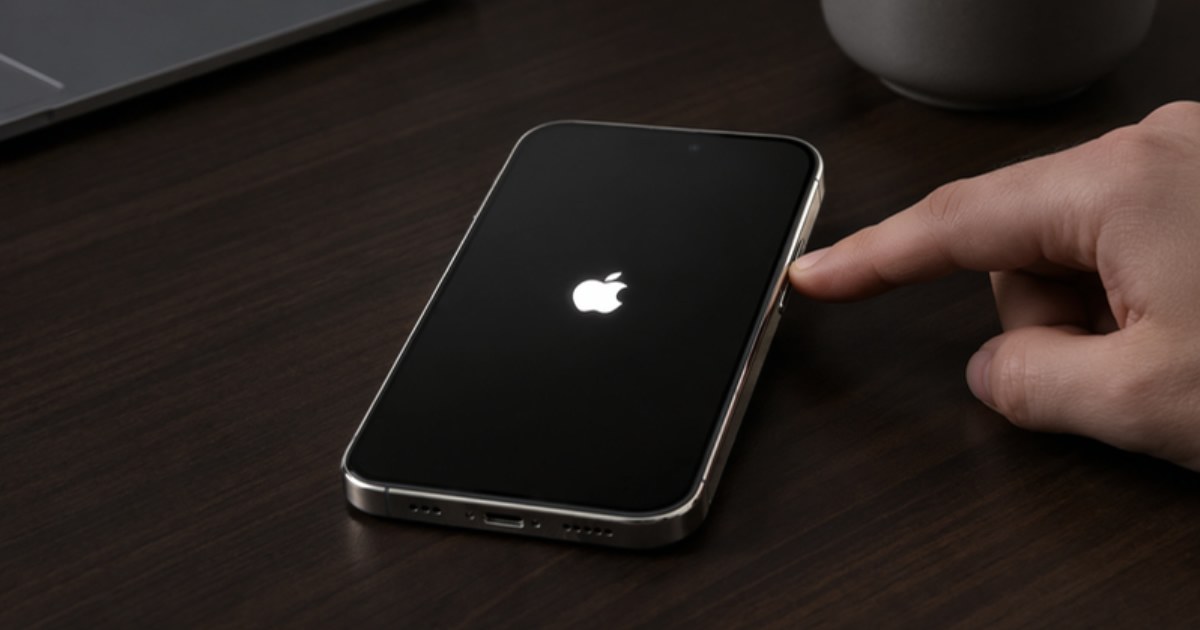
- Force restartPress volume up, press volume down, then hold the side button until the Apple logo appears.
- Update iOSSometimes a line disappears after an update. Usually it doesn’t, but it’s worth a try.
- See whether the line changesIf it gets wider or more lines appear, the screen is getting worse.
Where does the line come from?
An OLED screen is made up of millions of tiny points of light, controlled through thin connections at the edge of the screen. If one of these connections gets damaged, by a drop, pressure in your back pocket or a fault in the screen, a whole column stays lit. You see that as a coloured line.
A line that appears after an update is almost always in the screen itself too. The update only reveals what was already wearing out.
What you can do about it
If the line doesn’t go away after restarting and updating, a new screen is the only real solution. You can carry on with it for a while, but often more lines appear or the screen eventually fails. So get a backup ready now.
With a new screen, you choose the quality yourself. With an original screen, True Tone and brightness stay the way you’re used to.
Screen replacement
Choose your iPhone, then Screen. You’ll see the price for each quality straight away.
- Open 7 days a week
- Warranty of up to 12 months
- Done while you wait
Frequently asked questions
Will a green line go away on its own?
Almost never. Very occasionally a line disappears after an update, but usually it stays or more lines appear.
Is a green line a software fault?
Usually not. If the line isn’t on a screenshot, the problem is in the screen itself.
Can I keep using my iPhone with a line on the screen?
Yes, as long as the screen otherwise works. Do make a backup, though, in case the screen fails.
Will the line come back with a new screen?
A new screen doesn’t have this problem. Do protect it against pressure and drops.
Also read
Daan has been a technician at Fixers for three years and is certified for Apple (Atlas) and Samsung (GSPN). He works at Fixers Leiden and contributes to the knowledge base, so that you can often solve a problem yourself first.