You can’t hear the caller properly on your iPhone: how to fix it

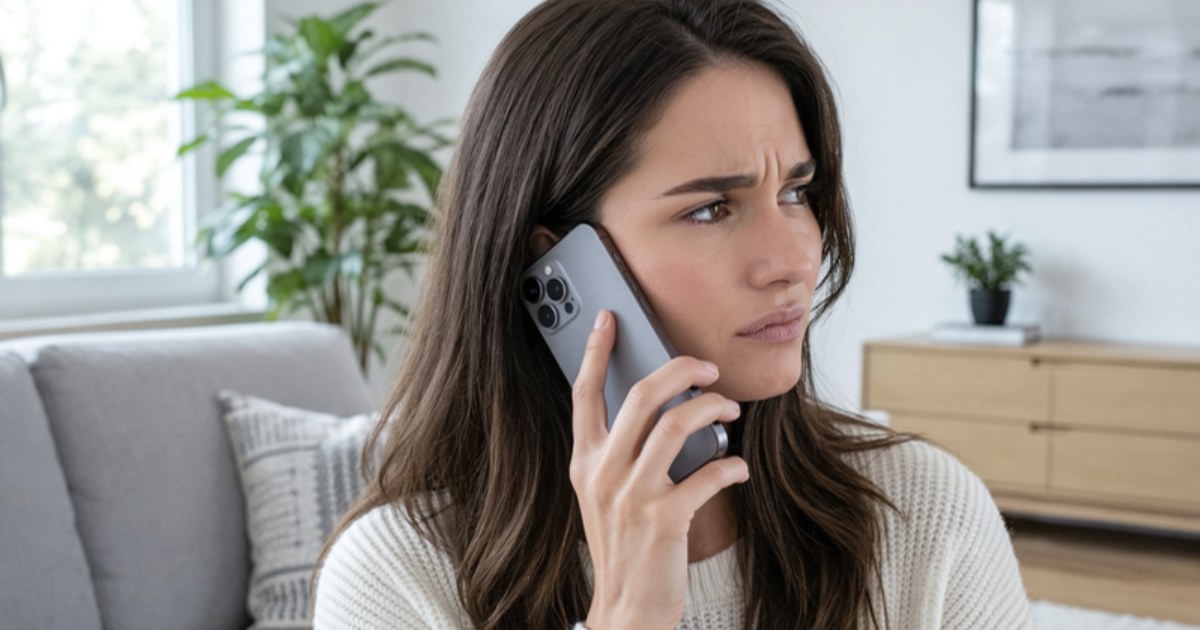
You call someone and have to press your iPhone against your ear to understand them. On speaker it works fine, but normal calling doesn’t. The problem is usually the small earpiece speaker at the top of your screen. And there’s often something you can do about it yourself.
Turn the volume up during a call, check that your iPhone isn’t calling via earbuds or your car, and carefully clean the grille of the earpiece speaker with a soft, dry brush. If the sound stays quiet or crackles, the earpiece speaker is worn out or damaged and needs to be replaced.
Start with these checks
- Volume during the callThe call volume and the media volume are separate. During a call, press the volume up button.
- Bluetooth offYour iPhone sometimes sends the sound to AirPods or your car. Switch Bluetooth off for a moment and call again.
- Call Audio RoutingIn Settings › Accessibility › Touch › Call Audio Routing choose Automatic.
- Case and screen protectorA screen protector without a cut-out can cover the earpiece speaker.
- Test with someone elseA poor connection on the other end also sounds quiet.
Cleaning the earpiece speaker safely
The grille at the top of your screen quickly clogs up with skin oils, make-up and dust. As a result, less sound gets through.
- Use a soft, dry brush, such as a clean toothbrush.
- Brush gently back and forth and hold your iPhone with the screen facing down.
- Don’t use a needle, toothpick or compressed air. They push the dirt further in or damage the mesh.
- No liquids. That includes alcohol applied directly to the grille.
When is the earpiece speaker broken?
If the sound is still quiet after cleaning, crackles or cuts out, the earpiece speaker is worn out or damaged. This happens after a drop or because of moisture. Also check whether you can hear the other person properly with the loudspeaker on. If you can, you know for sure that it’s the earpiece speaker.
Can’t the other person hear you properly? Then it’s the microphone. Read this article for that.
Replace the earpiece speaker
Choose your iPhone and then Sound. You’ll see straight away what a replacement costs.
- Open 7 days a week
- Warranty of up to 12 months
- Ready while you wait
Frequently asked questions
Why can I hear someone on the loudspeaker but not at my ear?
Then the large loudspeaker at the bottom works, but the earpiece speaker at the top doesn’t work properly. It is often dirty or worn out.
Can a screen protector muffle the sound?
Yes, if it covers the earpiece speaker or if there is dirt underneath it. Take it off and test again.
Is the earpiece speaker part of the screen?
No, it is a separate component at the top of your iPhone. It is transferred to the new screen during a screen repair, though.
I hear hissing or crackling during calls. What is that?
It could be down to the connection, but also to a damaged earpiece speaker. Test with Wi-Fi calling and with a different number.
Also read
Daan has been a technician at Fixers for three years and is certified for Apple (Atlas) and Samsung (GSPN). He works at Fixers Leiden and contributes to the knowledge base, so that you can often solve a problem yourself first.