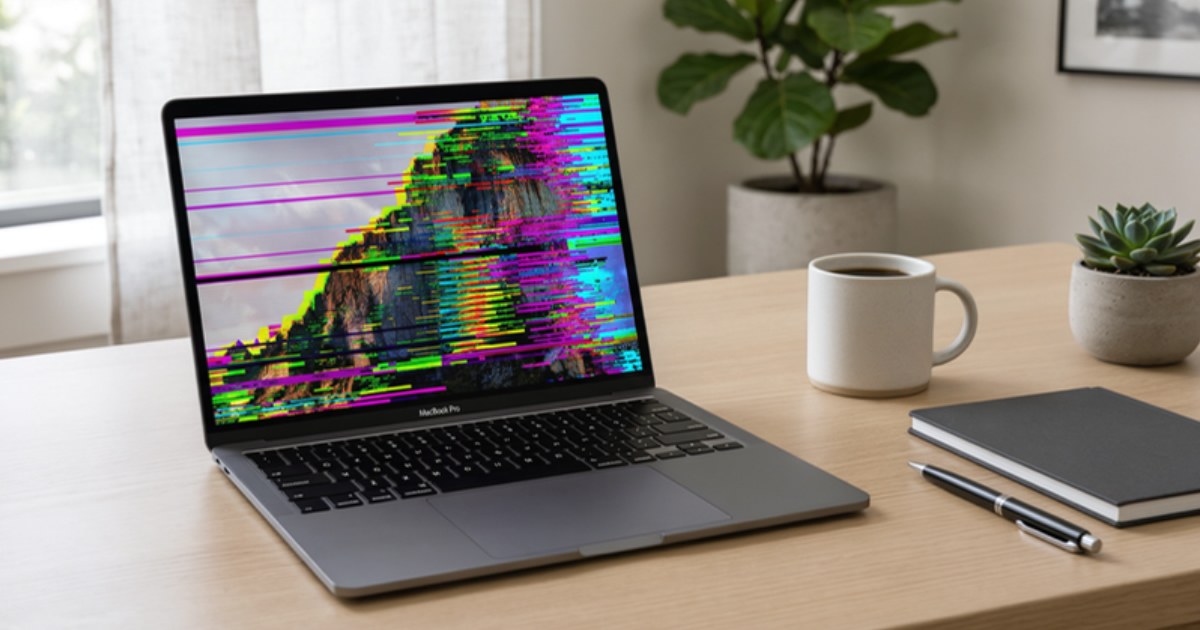
MacBook slow or storage full: how to free up space quickly

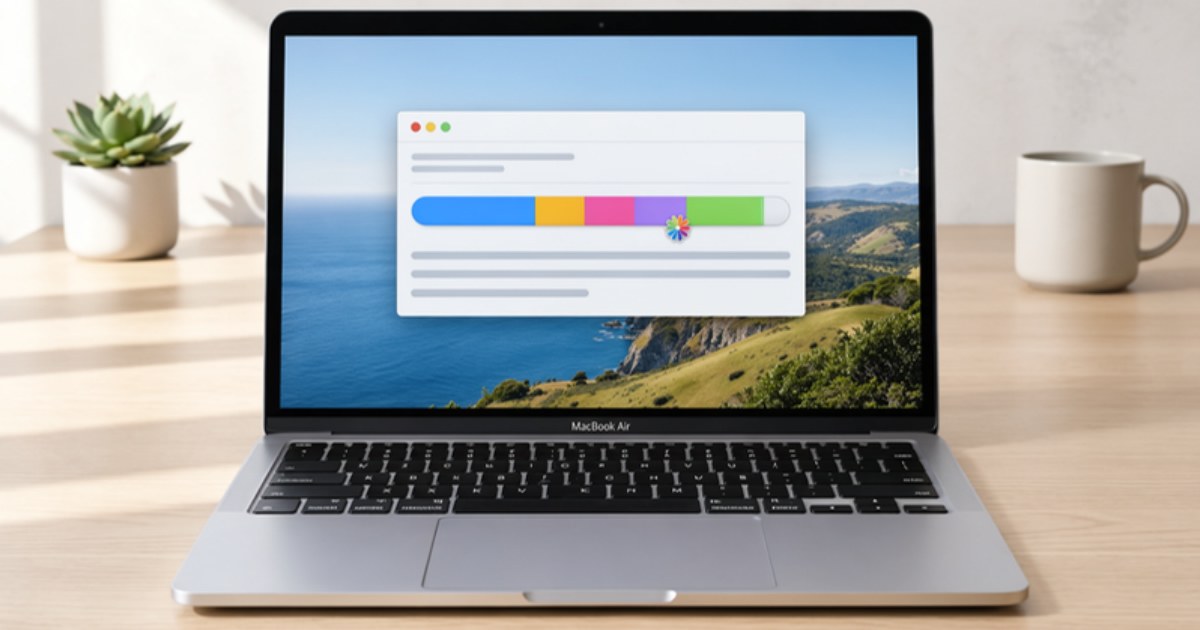
Your MacBook is getting slow, apps open sluggishly and suddenly it tells you your storage is almost full. The two often go together: with a full disk, macOS has no room to work. Luckily, the space usually disappears in a few predictable places.
Go to System Settings › General › Storage and see what takes up the most space. Clear out your Downloads folder, delete old iPhone backups and empty the Bin. Keep at least 10 to 15% free. Your MacBook will then be noticeably faster again.
Where has your space gone?
In System Settings › General › Storage you’ll see a bar with categories. Click the i next to a category to see what’s in it. The biggest culprits:
- Downloads. Installation files and old attachments you haven’t needed for ages.
- iOS Files. Old backups of your iPhone or iPad.
- Photos and videos. Especially if they aren’t in iCloud.
- Apps. Large apps you never use.
- System Data. Temporary files and caches.
Clearing out safely
- Downloads folderSort by size and delete what you no longer need.
- Old iPhone backupsUnder Storage › iOS Files. Keep only the most recent one.
- PhotosIn Photos › Settings › iCloud, turn on Optimise Mac Storage.
- BinEmpty it, or set it to empty automatically after 30 days.
- RestartThis clears out some of the temporary files.
System Data can sometimes be large, but don’t delete anything there manually. After a restart and a few days of use, it usually shrinks by itself.
Still slow?
Check in Activity Monitor which app is hogging your processor or memory. Also read our article about a hot MacBook. On newer MacBooks the storage is fixed to the logic board and can’t be increased. If you work with large files, an external SSD is a good way to expand your storage.
Have your MacBook checked
Is your MacBook not getting any faster? Choose your MacBook and have it checked.
- Open 7 days a week
- Warranty of up to 12 months
- Ready while you wait
Frequently asked questions
How much storage should be free on my MacBook?
Keep at least 10 to 15% free. That keeps macOS running smoothly.
What is System Data?
Temporary files, caches and logs from macOS. Your Mac manages these itself.
Can I increase the SSD size of my MacBook?
Not on most newer MacBooks, because the storage is fixed to the logic board.
Can I delete old iPhone backups?
Yes, if you have a newer backup or use an iCloud backup.
Also read
Daan has been a technician at Fixers for three years and is certified for Apple (Atlas) and Samsung (GSPN). He works at Fixers Leiden and contributes to the knowledge base, so that you can often try to solve a problem yourself first.