MacBook getting hot or fan making a lot of noise

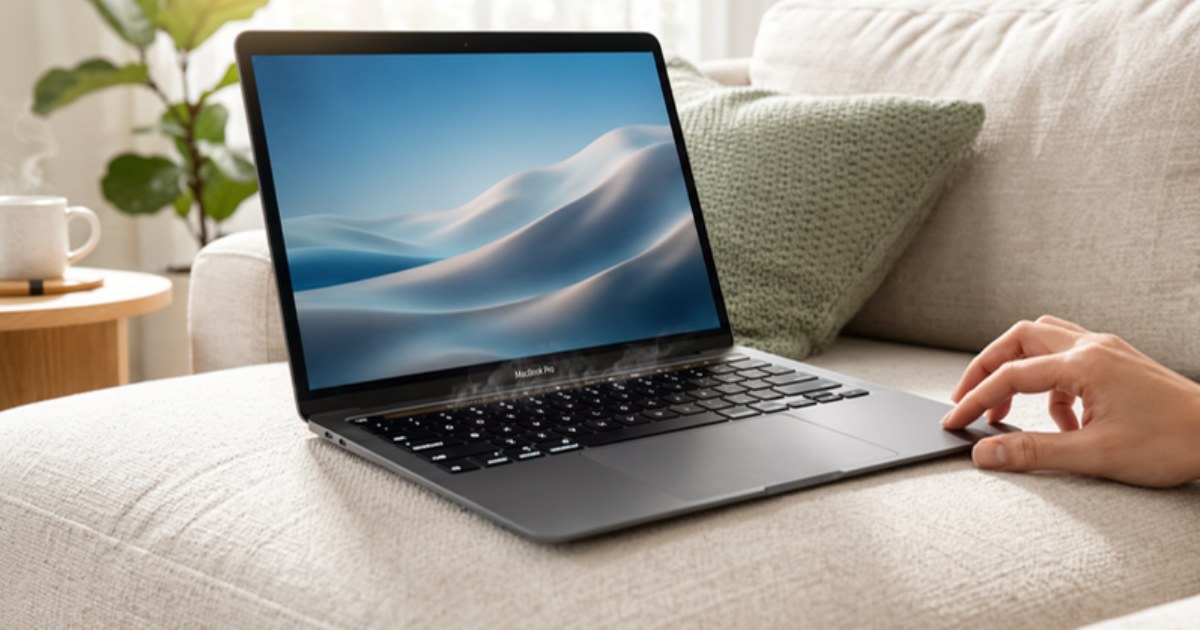
Your MacBook is getting warm and the fan is blowing as if it wants to take off. Sometimes that’s normal, for example when editing video or during an update. But if it happens while you’re only checking your email, something is wrong. Here’s how to find out what it is.
Open Activity Monitor and see which app is using the most processor power. Put your MacBook on a hard surface, not on a bed. After an update it may be busy indexing for a few hours. If it stays hot for no reason, or the fan keeps running at full power, then have it cleaned or checked.
When is warm normal?
- During heavy programs, such as video, games or lots of browser tabs.
- The first few hours after a macOS update. Your Mac is then indexing files and photos.
- While charging with an empty battery.
- On a warm day or in the sun.
A MacBook Air with an Apple chip has no fan. It can get warm and will then slow itself down a little. That’s normal.
How to find the cause
- Open Activity MonitorVia Spotlight or the Utilities folder.
- Sort by % CPUAn app that is constantly at the top with a high percentage is your culprit.
- Close it or update itOften it’s a browser with lots of tabs or an app that has frozen.
- Check what it’s sitting onOn a blanket or your lap, the heat can’t escape.
When should you have it checked?
- The fan runs at full power while you’re doing nothing.
- Your MacBook shuts down because it gets too hot.
- You hear a rattling or grinding noise from the fan.
- The underside bulges or the trackpad gets stiff. In that case the battery may be swelling.
Older MacBooks often have a thick layer of dust in the fan and cooling. After a clean, it will be a lot quieter and cooler again.
Have your MacBook checked or cleaned
Choose your MacBook and the repair or cleaning. We first check whether it’s down to software or dust.
- Open 7 days a week
- Warranty of up to 12 months
- Ready while you wait
Frequently asked questions
Is it a problem if my MacBook gets warm?
Not if it happens during heavy work. If it gets hot while you’re doing very little, something isn’t right.
Does my MacBook Air have a fan?
MacBook Airs with an Apple chip have no fan. Older Airs with an Intel chip do.
Does a laptop stand help?
Yes, because more air can get under your MacBook. Definitely don’t use it on a bed.
Can dust damage my MacBook?
Yes. Dust makes it run hotter, and heat is bad for the battery and the chips.
Also read
Daan has been a technician at Fixers for three years and is certified for Apple (Atlas) and Samsung (GSPN). He works at Fixers Leiden and helps write the knowledge base, so you can often solve a problem yourself first.