Service Recommended message on your MacBook battery: what now?

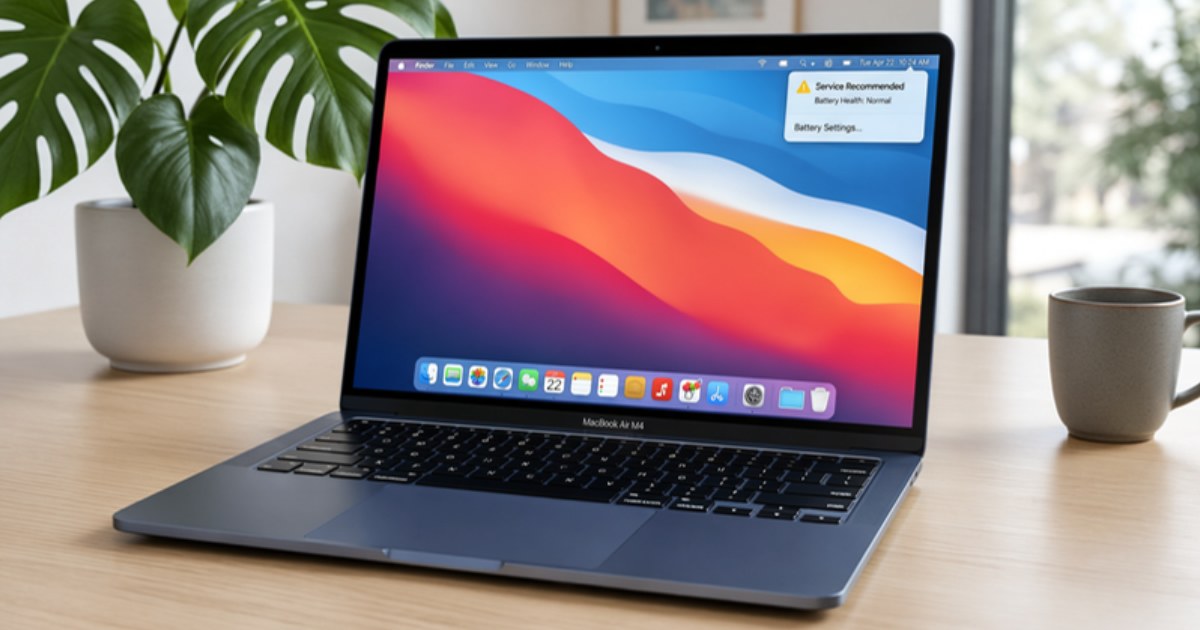
Your MacBook doesn’t last as long as it used to, and the battery settings suddenly say Service Recommended. Your MacBook works fine, so do you need to do anything about it? In short: the battery is worn out. How quickly you need to act depends on what you notice.
The message means the battery holds less charge than normal or is no longer working properly. You can safely keep using your MacBook, especially while it’s plugged in. If you notice that it drains quickly, shuts down unexpectedly or that the bottom or the trackpad is lifting, have the battery replaced.
Where can you see the battery health?
- Open System SettingsClick Battery.
- Click the i next to Battery HealthYou’ll see Normal or Service Recommended, and on newer Macs also the maximum capacity.
- Check the charge cyclesHold down the Option key and choose System Information in the Apple menu. Click Power. The number of cycles is listed there.
Apple designs the battery of recent MacBooks for about 1000 charge cycles. If you’re close to that or past it, wear is normal.
What should you do now?
- No problems? Then you can carry on as normal. Do keep an eye on whether it drains faster.
- Drains quickly or shuts down? Have the battery replaced. A MacBook that keeps shutting down can damage files.
- Trackpad stiff or bottom bulging? Stop charging and have it checked straight away. Read our article about a swollen battery.
How to look after your new battery
- Leave Optimised Battery Charging switched on in the battery settings.
- Don’t use your MacBook on a bed or a blanket, so that it stays cool.
- Don’t leave it empty in a cupboard for months. Store it at around 50%.
Replace your MacBook’s battery
Choose your MacBook and then Battery. You’ll see the price for your model straight away.
- Open 7 days a week
- Warranty of up to 12 months
- Ready while you wait
Frequently asked questions
Is it dangerous to carry on using it with Service Recommended?
Usually not. You only need to stop straight away if the battery swells up or gets hot.
How many charge cycles can a MacBook battery handle?
Recent MacBooks are designed for about 1000 charge cycles.
Will my files stay put with a new battery?
Yes. To be safe, do make a backup with Time Machine.
Can I get rid of the message?
No, only a new battery fixes it.
Also read
Daan has been a technician at Fixers for three years and is certified for Apple (Atlas) and Samsung (GSPN). He works at Fixers Leiden and contributes to the knowledge base, so that you can often solve a problem yourself first.