Apple Pencil not working or won’t pair: how to fix it

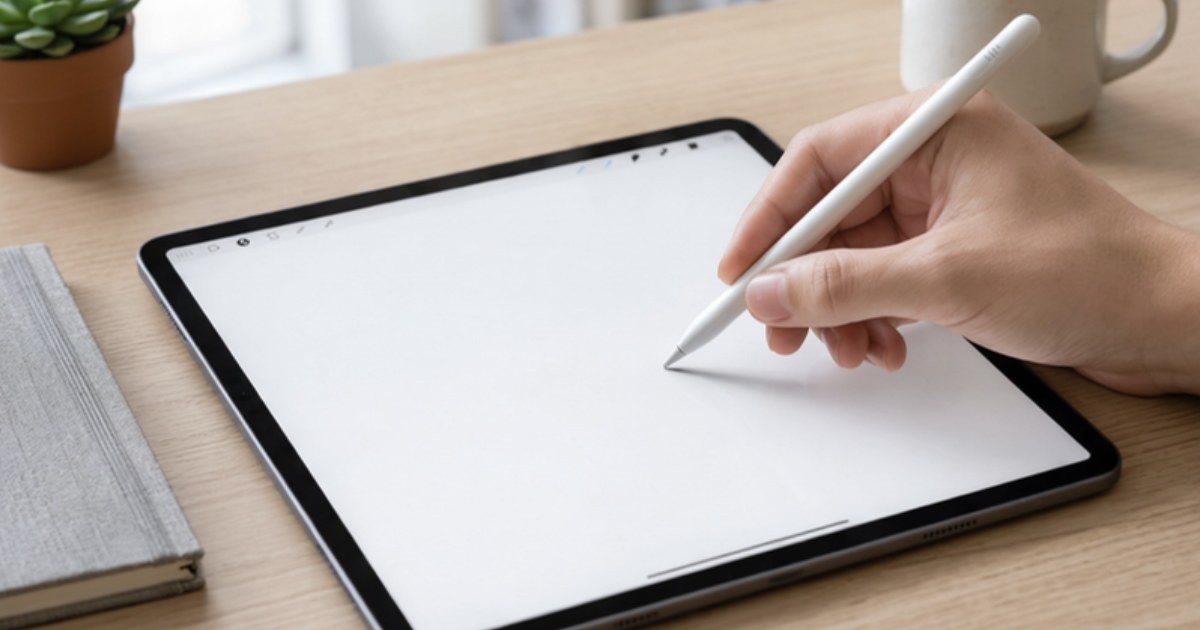
You pick up your Apple Pencil and nothing happens. Or it writes with gaps and stutters. Usually it’s something small: a flat battery, a worn tip or a pairing that needs redoing. Sometimes it’s simply the wrong Pencil for your iPad.
First check whether your Pencil is compatible with your iPad, because not every Pencil works with every iPad. Charge it for a quarter of an hour, turn Bluetooth on and pair it again. If it writes poorly, screw on a new tip. If it still doesn’t work after that, the problem is either the Pencil or the screen of your iPad.
Is your Pencil compatible with your iPad?
Apple has four types of Pencil and they don’t all work with every iPad. Recent iPads, such as the iPad Pro with M4 and the iPad Air with M2 or newer, don’t work with the 2nd-generation Apple Pencil. They use the Apple Pencil Pro or the Apple Pencil with USB-C.
Not sure? Go to Settings › General › About to see your model name, then check Apple’s website to find out which Pencil goes with it.
Pairing again
- Turn Bluetooth onVia Settings › Bluetooth.
- Charge the PencilA Pencil that has been lying around for a long time is often completely flat. Charge it for at least a quarter of an hour.
- Forget itIn Settings › Bluetooth, tap the i next to your Pencil and choose Forget This Device.
- Pair againSnap a magnetic Pencil onto the side of your iPad. You plug a 1st-generation Pencil into the port, using the adapter if needed. You connect a USB-C Pencil with a cable.
Does it write poorly?
- Worn tip. If the tip is flat or you can feel metal, unscrew it and put a new one on.
- Screen protector. A thick or damaged screen protector can cause stuttering.
- Screen. If your finger also responds poorly in that spot, the problem lies with the touchscreen of your iPad.
Have your iPad checked
Is the problem with your iPad’s screen? Choose your iPad and the repair. We’ll test with a different Pencil first.
- Open 7 days a week
- Warranty of up to 12 months
- Ready while you wait
Frequently asked questions
Why won’t my Apple Pencil charge on the side?
Only the 2nd-generation Pencil and the Pencil Pro charge wirelessly on the side, and only on iPads that support it.
How often do I need to replace the tip?
When you can feel metal or when it’s flat. With daily use that’s roughly every few months.
Can a screen protector interfere with my Pencil?
Yes, especially a thick or cracked screen protector. Try it without.
My Pencil does work on another iPad. What now?
Then the problem is with your iPad, for example Bluetooth or the touchscreen. Have it checked.
Read also
Daan has been a technician at Fixers for three years and is certified for Apple (Atlas) and Samsung (GSPN). He works at Fixers Leiden and helps write the knowledge base, so that you can often solve a problem yourself first.