Home button or Touch ID on your iPad not working

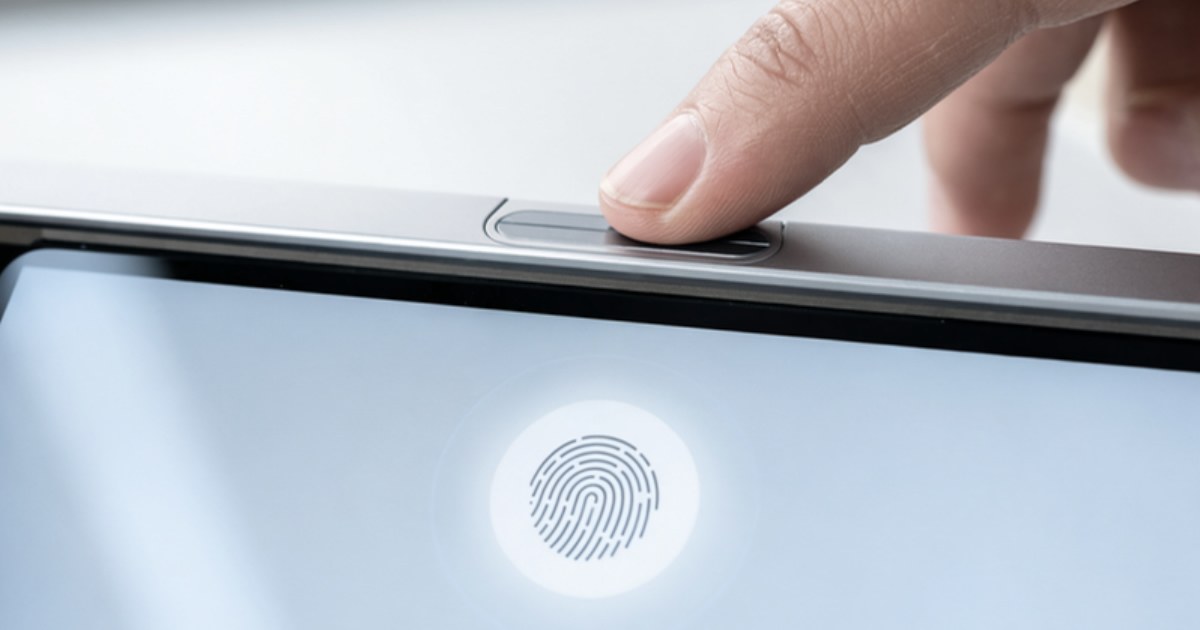
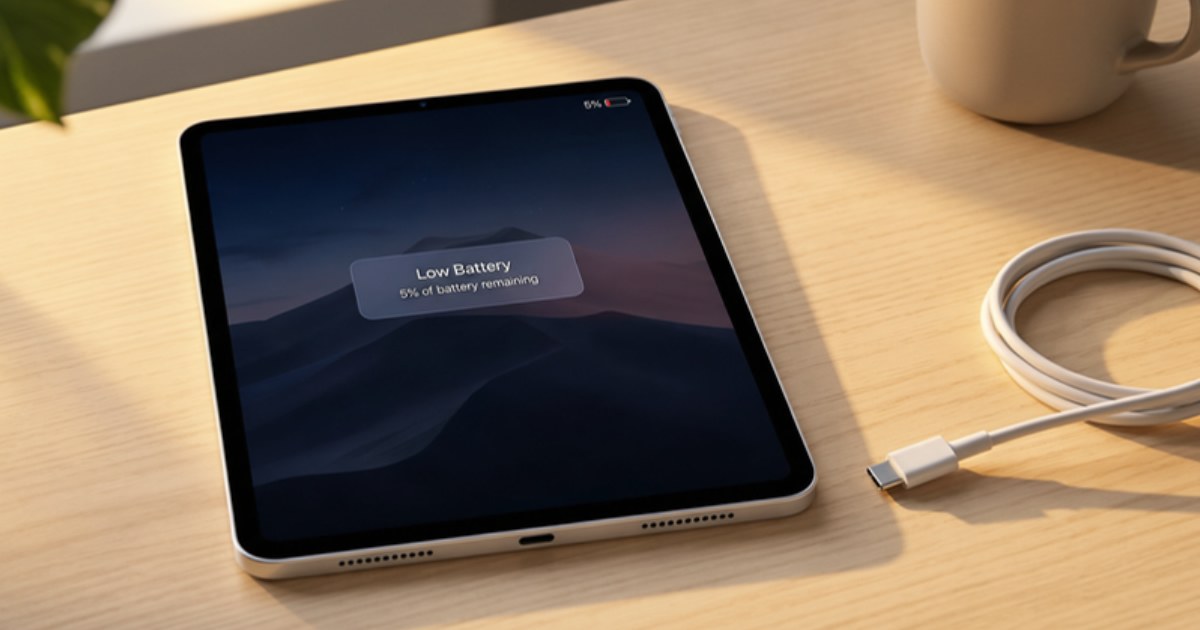
You press the home button and nothing happens. Or Touch ID no longer recognises your finger. On an iPad with a home button that’s a pain, because you use it for almost everything. Luckily, there’s a lot you can try yourself, and there’s a handy emergency workaround.
Clean the button, add your fingerprint again and restart your iPad. In the meantime, turn on AssistiveTouch to get a button on your screen. If the button still doesn’t work afterwards, it is damaged. The button can be repaired, but Touch ID only works if the original sensor is intact.
What you can try yourself
- Clean the buttonUse a dry cloth. Grease and dirt make Touch ID unreliable.
- Add your fingerprint againSettings › Touch ID & Passcode. Delete your fingerprint and add it again.
- Restart your iPadAnd update iPadOS.
- Check your caseA case that overlaps the button can stop it being pressed.
Emergency workaround: AssistiveTouch
Turn on Settings › Accessibility › Touch › AssistiveTouch. You’ll get a floating button on your screen that you can use to go to the Home Screen, take screenshots and more. That way you can keep using your iPad until the repair.
Why Touch ID is special
Touch ID is paired with the logic board of your iPad. That’s why a different Touch ID sensor won’t simply work. During a repair we therefore transfer the original sensor or restore the connection. If the sensor itself is broken, the button will work as a button again after the repair, but Touch ID won’t.
The same applies to iPads with Touch ID in the top button, such as the iPad Air and iPad mini.
Get your home button repaired
Choose your iPad and then Buttons. We’ll first test whether Touch ID can be saved.
- Open 7 days a week
- Warranty of up to 12 months
- Ready while you wait
Frequently asked questions
Does Touch ID work again after a new home button?
Only if the original sensor is intact. A new button works as a button, but without Touch ID.
Can I use my iPad without the home button?
Yes, with AssistiveTouch. It gives you a button on your screen.
Why does Touch ID no longer recognise my finger?
Often because of dirt, a wet finger or a damaged button. Add your fingerprint again.
Does the home button still work after a new screen?
Yes, we transfer the original button. Afterwards we test Touch ID together with you.
Also read
Daan has been a technician at Fixers for three years and is certified for Apple (Atlas) and Samsung (GSPN). He works at Fixers Leiden and helps write the knowledge base, so that you can often solve a problem yourself first.