Wireless charging not working on your iPhone (MagSafe and Qi2)

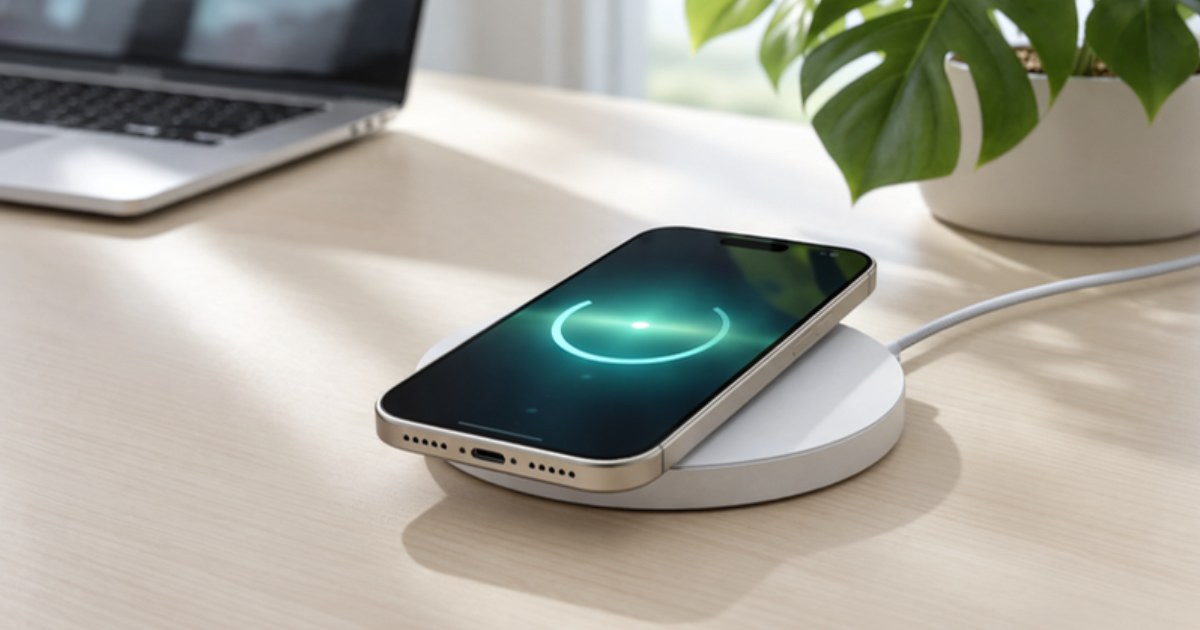
You put your iPhone on the charger and nothing happens. Or it starts charging and then stops again. Wireless charging is handy, but it’s also sensitive. A case, the spot on the charger or an adapter that’s too weak can make all the difference.
Take your case off, place your iPhone exactly in the centre of the charger and use a USB-C adapter of at least 20 watts. Does charging with a cable work, but wireless charging doesn’t work anywhere, not even on another charger? Then the charging coil in your iPhone is damaged, often after a drop or a cracked back.
Check this first
- Take the case offThick cases, cards, a metal plate or a magnet ring stop it from charging.
- In the centre of the chargerWith a regular Qi charger, the coil has to sit exactly in the centre. MagSafe clicks into the right place by itself.
- The right adapterA MagSafe charger needs a USB-C adapter of at least 20 watts. With an old plug it charges slowly or not at all.
- Another chargerTry another wireless charger. That way you’ll know whether the problem is the charger or your iPhone.
- Restart your iPhoneA software glitch can block wireless charging.
Does it charge, but then stop?
That’s often normal. Your iPhone pauses charging when it gets too warm, for example in the sun or under a pillow. It also sometimes holds charging at 80% because of Optimised Battery Charging or a charge limit. Check in Settings › Battery whether a limit is switched on.
If your iPhone gets very hot during wireless charging, stop charging it. A worn-out battery or damage to the back can cause this.
When it needs a repair
Does your iPhone charge fine with a cable, but not on any wireless charger? Then the charging coil or its connection is damaged. We mainly see this after a drop onto the back or with cracked back glass. The coil sits on the back of your iPhone. That’s why we often replace the back glass together with the coil during the repair.
Get wireless charging repaired
Choose your iPhone and then Back. We’ll first test whether the coil is the problem.
- Open 7 days a week
- Warranty up to 12 months
- Ready while you wait
Frequently asked questions
Which iPhones can charge wirelessly?
All iPhones from the iPhone 8 onwards. MagSafe is built into the iPhone 12 and newer, except the iPhone 16e.
Does a Qi2 charger work with my iPhone?
Qi2 works on the iPhone 13 and newer with a recent version of iOS. Older iPhones simply charge on it like on a Qi charger.
Is wireless charging bad for the battery?
Not as long as your iPhone doesn’t get too warm. Don’t leave it on the charger in the sun or under a blanket.
Why is my iPhone charging so slowly wirelessly?
Often because of an adapter that’s too weak, a thick case, or because it isn’t sitting properly on the charger.
Also read
Daan has been a technician at Fixers for three years and is certified for Apple (Atlas) and Samsung (GSPN). He works at Fixers Leiden and helps write the knowledge base, so that you can often solve a problem yourself first.