iPhone stuck on the Apple logo: what you can do

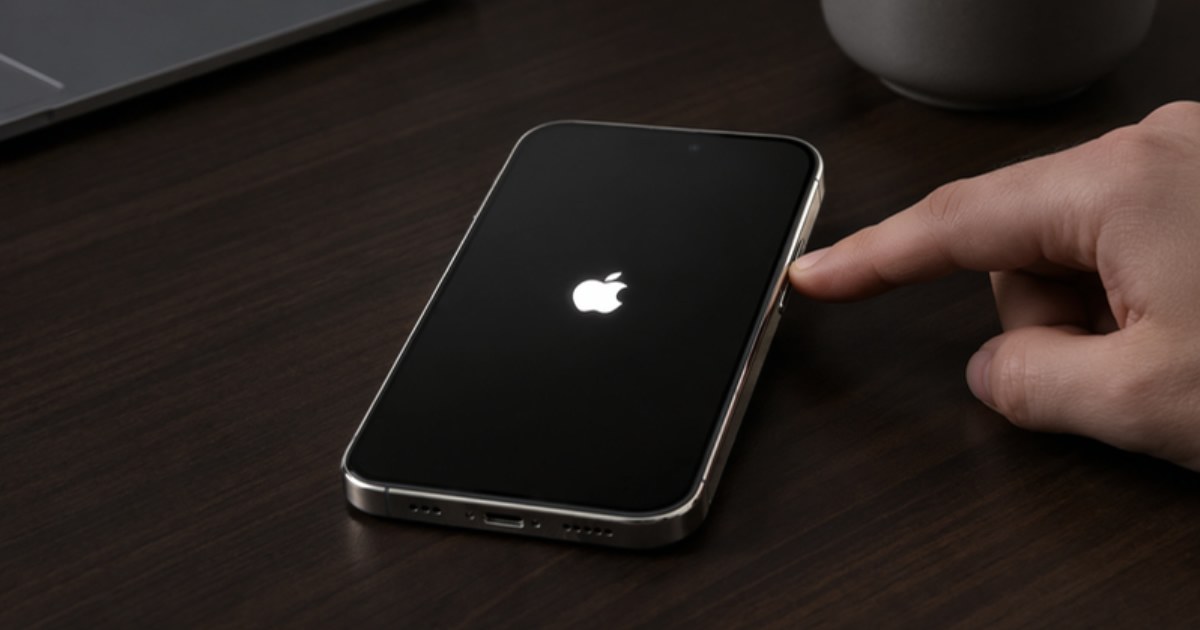
Your iPhone turns on, the Apple logo appears and that’s as far as it gets. Or it keeps restarting. This often happens after an update, when the storage is full or after a drop. Don’t panic: you can often get your iPhone working again without losing your photos.
First charge your iPhone for an hour. Then force restart it. If that doesn’t help, put it into recovery mode with a computer and choose Update. This reinstalls iOS and keeps your data. If it still gets stuck, there is probably a hardware problem.
Step 1: force restart
This works on every iPhone from the iPhone 8 onwards:
- Press volume upPress briefly and release.
- Press volume downPress briefly and release.
- Hold the side buttonKeep pressing until you see the Apple logo, even if the screen goes black first. This can take 10 to 20 seconds.
First charge your iPhone for an hour if the battery may have been empty. With a nearly empty battery, starting up sometimes fails.
Step 2: recovery mode and Update
- Connect your iPhone to a computerOn a Mac, open Finder. On Windows, use the Apple Devices app or iTunes.
- Put it into recovery modePress volume up, then volume down, and hold the side button. Only let go when you see the screen with a computer and cable.
- Choose UpdateNot Restore. Update reinstalls iOS and leaves your data in place.
- Be patientIf it takes longer than 15 minutes, your iPhone leaves recovery mode. Then repeat this step.
If Update doesn’t work, Restore is all that’s left. That erases your iPhone. Only do this if you have a back-up.
Possible causes
- A failed update or an update that stopped because the battery ran out.
- Full storage. Without free space, iOS can’t start up properly.
- A worn battery that can’t hold its voltage under load.
- Damage after a drop or moisture, for example to the logic board.
With hardware damage, a fresh installation won’t fix it. In that case we measure in the workshop to find out what’s causing it.
Have your iPhone checked
Choose your iPhone and then Software. We first check whether an update can fix it.
- Open 7 days a week
- Warranty up to 12 months
- Ready while you wait
Frequently asked questions
Will I lose my photos if I use recovery mode?
Not if you choose Update. Only Restore erases your iPhone.
How long can my iPhone stay on the Apple logo?
After an update it can take a few minutes. If it’s still there after half an hour, something is wrong.
My computer can’t see my iPhone. What now?
Try a different cable and a different USB port, and update your computer. If it still doesn’t work, have your iPhone checked.
Can a full iPhone get stuck on the logo?
Yes. With almost no free storage, iOS can freeze during start-up. Updating via the computer often helps then.
Also read
Daan has been a technician at Fixers for three years and is certified for Apple (Atlas) and Samsung (GSPN). He works at Fixers Leiden and helps write the knowledge base, so you can often solve a problem yourself first.