Moisture detected message on your Samsung: how to fix it

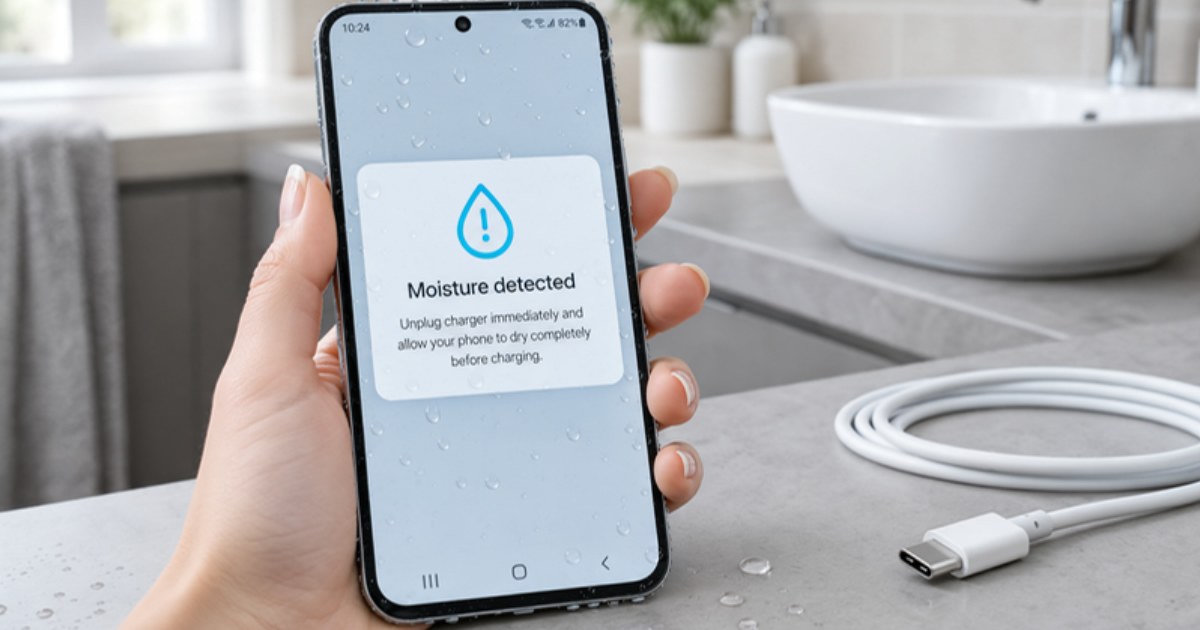
You plug the cable into your Samsung and see a water drop with a message saying moisture has been detected. Charging doesn’t work. Just like with iPhones, that is a safety feature. Even so, Samsung users sometimes get this message when their phone is perfectly dry.
Take the cable out, gently shake the water out and let your phone dry for a few hours somewhere with a bit of airflow. Wireless charging usually still works in the meantime. If the message stays even though it is really dry, restart it, try a different cable and have the port checked for dirt or rust.
If it has got wet
- Cable outDon’t charge with the cable while the message is showing.
- Shake the water outHold the port facing down and shake gently.
- Let it dryA few hours somewhere dry. Not on the radiator and not with a hairdryer.
- Try againIf the message has gone, you can charge as normal again.
The message stays even though it’s dry
- Restart your phone. Sometimes the message gets stuck.
- Different cable. A damaged cable can confuse the sensor.
- Dirt in the port. Fluff mixed with sweat holds moisture. Carefully clean the port with a wooden toothpick.
- USB settings cache. Go to Settings › Apps, show system apps, choose USB settings › Storage and clear the cache. Then restart.
If it’s rust
Do you see a green, white or brown residue on the contacts of the port? Then rust has formed. The sensor sees that as moisture. Cleaning no longer helps then. The charging port needs to be replaced. On many Samsungs the port is on a separate small board, so it’s a fairly straightforward repair.
Replace the charging port
Choose your Samsung and then Charging port. We first check whether cleaning is enough.
- Open 7 days a week
- Warranty of up to 12 months
- Ready while you wait
Frequently asked questions
Can I charge my Samsung wirelessly when I get this message?
Yes, if your model supports wireless charging. That doesn’t go through the wet port.
How long does it take for the message to go away?
After getting wet it’s usually a few hours. If it stays longer, there may be rust or dirt in the port.
Can I put my phone in rice?
Better not. It doesn’t help it dry any faster and bits of dust can get into the port.
Is the message a Samsung error?
Sometimes, but often there really is moisture or rust in the port. Have it checked if the message stays.
Related reading
Daan has been a technician at Fixers for three years and is certified for Apple (Atlas) and Samsung (GSPN). He works at Fixers Leiden and helps write the knowledge base, so that you can often solve a problem yourself first.