Phone storage full? How to free up space quickly
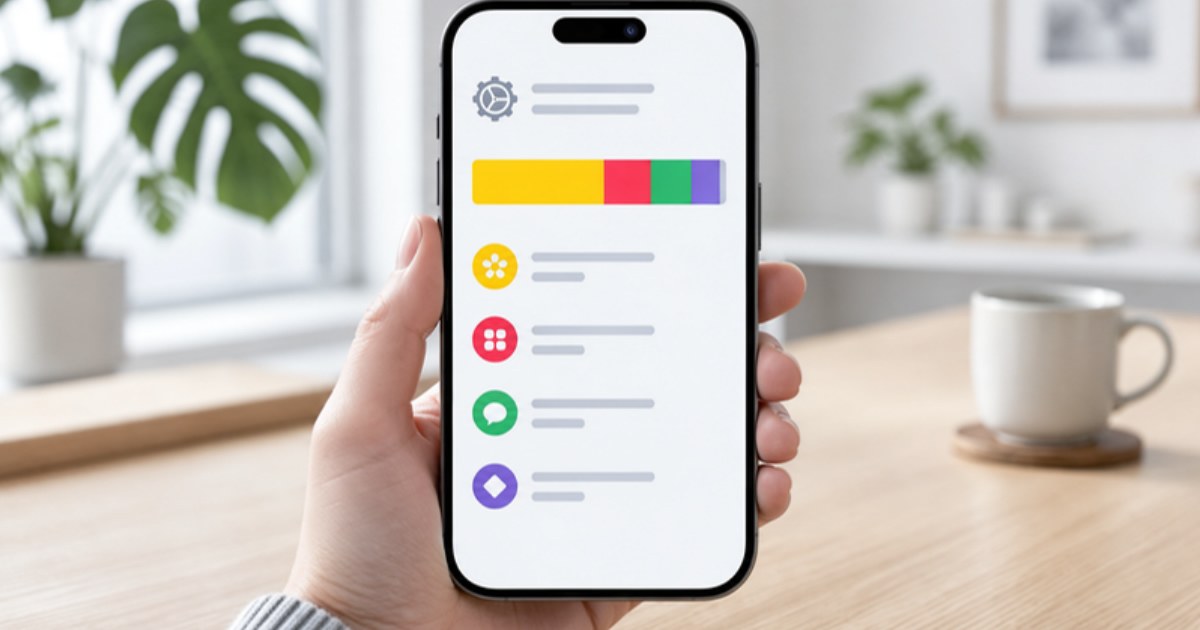
You want to take a photo and your phone says the storage is full. Always at the wrong moment. The space is usually taken up in three places: photos and videos, WhatsApp and apps you’ve forgotten about. Here’s how to free up a good amount of space in a quarter of an hour.
First check what takes up the most space: on an iPhone in Settings › General › iPhone Storage, on a Samsung in Settings › Battery and device care › Storage. Put your photos in the cloud with optimised storage, clean up WhatsApp and delete apps you don’t use.
Photos and videos
- iPhone: in Settings › your name › iCloud › Photos, turn on Optimise iPhone Storage. Your originals are then kept in iCloud.
- Samsung: use Google Photos or OneDrive and then choose to free up space.
- Recently Deleted. Deleted photos are kept for 30 days. Empty that album to gain space straight away.
- Video settings. Filming in 4K at 60 frames per second takes up a lot of space. Choose 1080p or 4K at 30 for everyday videos.
- Open WhatsAppGo to Settings › Storage and data › Manage storage.
- Clear out large filesYou can see which chats take up the most space and which videos are the largest.
- Turn off automatic downloadUnder Storage and data, turn off automatic downloading of photos and videos, especially for groups.
Apps and the rest
- Unused apps. On an iPhone you can have apps removed automatically while your data stays put. On a Samsung you delete them via the overview of apps.
- Offline downloads. Series, films and music that you’ve saved offline are often big space hogs.
- Messages. On an iPhone you can have messages deleted automatically after a year in Settings › Messages.
Phone slow or full?
Is your phone not getting faster after the clean-up? Choose your device and have it checked.
- Open 7 days a week
- Warranty of up to 12 months
- Ready while you wait
Frequently asked questions
How much storage should be free?
Keep at least 10 to 15% free. With less, your phone gets slower.
Will my photos be gone if I optimise storage?
No. The originals are in the cloud and you see a smaller version on your phone.
What are System Data or Other?
Temporary files and caches. Your phone clears these itself, often after a restart.
Can I expand my phone’s storage?
Not on iPhones. Some Samsung A models have a slot for a memory card.
Read also
Our technicians repair phones, tablets and laptops every day in the Fixers stores and Repairbars. What we come across in the workshop, we write down in the knowledge base, so that you can often solve a problem yourself first.