Selling or trading in your phone? This checklist saves you the hassle
Your new phone is ready and the old one is on its way out. Before you sell or trade it in, you want to be sure you don’t lose anything and that the buyer can’t get to your data. Following this order saves you the hassle, for you and for the buyer.
Make a backup, transfer your data, disconnect your accessories and sign out of your accounts. Then erase your phone using the factory reset. On a Samsung, sign out of your Google and Samsung accounts before erasing, otherwise the buyer will be locked out.
Step 1: secure your data
- Make a backupUse iCloud or your computer on an iPhone, and Samsung Cloud, Google or Smart Switch on a Samsung.
- Transfer WhatsAppMake a chat backup or transfer it straight to your new phone.
- Disconnect your accessoriesSuch as an Apple Watch, Galaxy Watch and earbuds.
- Check your authenticator appsTransfer your two-step verification codes to your new phone before you erase the old one.
Step 2: erasing an iPhone
Go to Settings › General › Transfer or Reset iPhone › Erase All Content and Settings. Your iPhone asks for your Apple Account password. This signs you out, turns off Find My and removes Activation Lock. If you have an eSIM, choose whether to erase that too.
Step 2: erasing a Samsung
First sign out of your Google account and Samsung account in Settings › Accounts and backup. If you don’t, the phone will ask for your account details after the erase and the buyer won’t be able to use it. Then go to Settings › General management › Reset › Factory data reset.
Step 3: the final things
- Take out your SIM card and, if you have one, your memory card.
- Remove the device from the list of devices in your Apple Account or Samsung account.
- Take photos of the condition of your phone, in case there’s a dispute later.
- Note down the IMEI number and the battery health. Buyers often ask for these.
Get it repaired first?
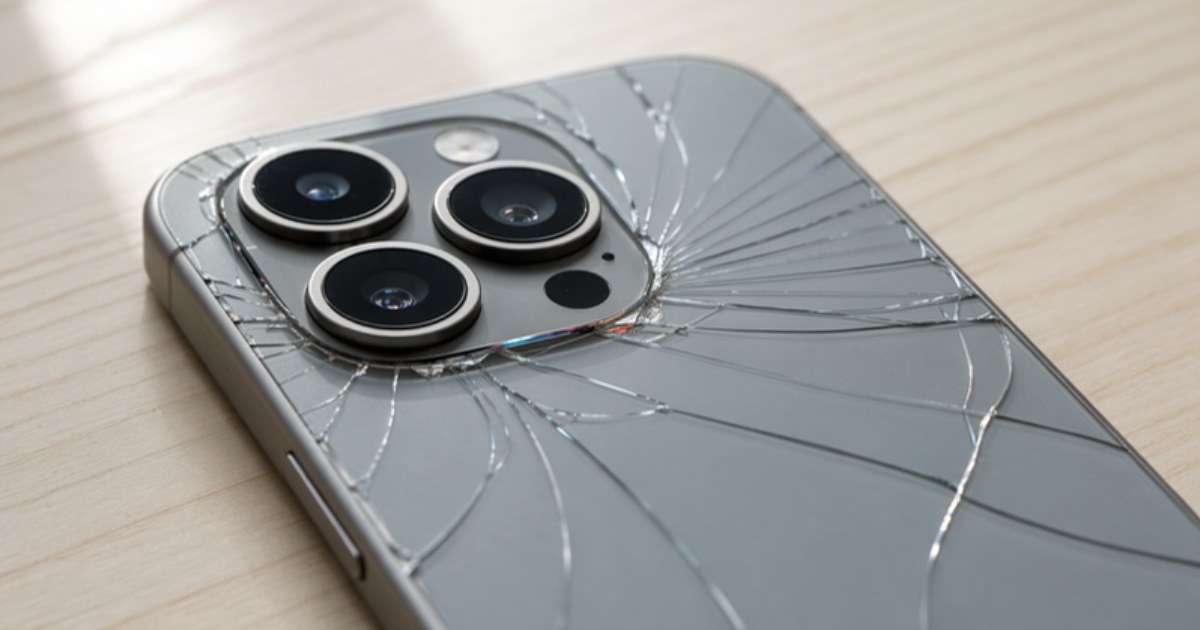
An intact screen or a new battery increases the value. Choose your device and the repair.
- Open 7 days a week
- Warranty of up to 12 months
- Ready while you wait
Frequently asked questions
What is Activation Lock?
A security feature that links your phone to your Apple Account or Google account. If you don’t sign out, a buyer can’t use it.
Is erasing via the settings secure enough?
Yes. Your data is erased with encryption and can’t be recovered.
Do I need to take out my SIM card?
Yes. You erase an eSIM during the reset, or you transfer it to your new phone.
Can I sell my phone with a cracked screen?
Yes, but you’ll get less for it. Having it repaired first can be worth it.
Also read
Our technicians repair phones, tablets and laptops every day in the Fixers stores and Repairbars. What we come across in the workshop, we write down in the knowledge base, so that you can often solve a problem yourself first.