'Unknown Part' on your iPhone: what does that message mean?

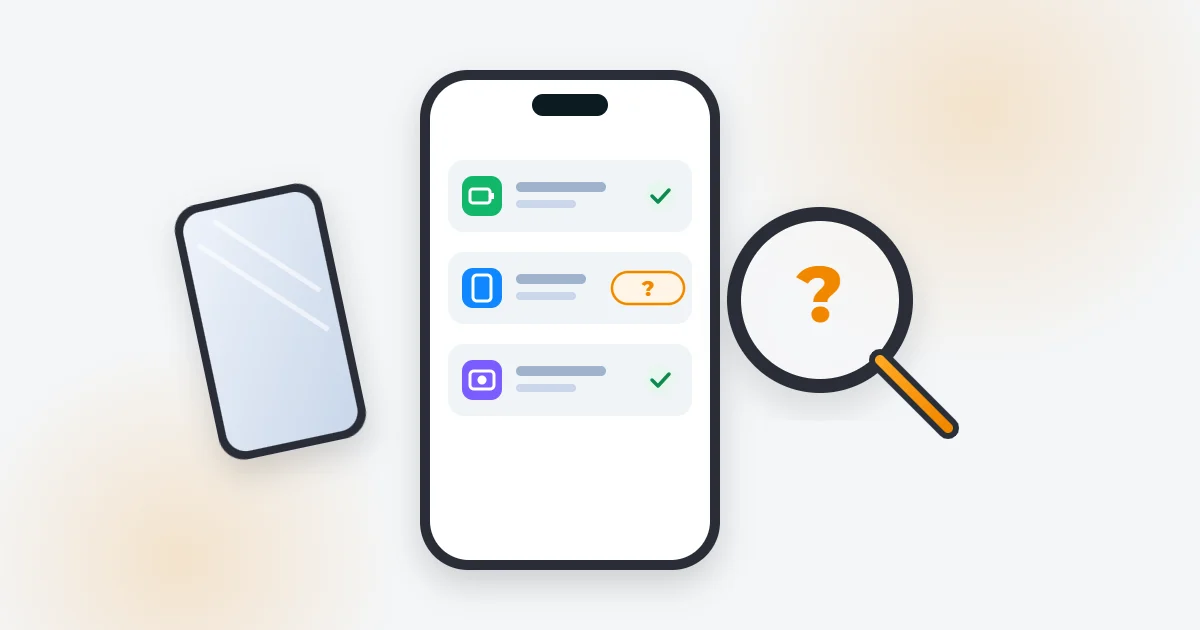
Your iPhone has been repaired and suddenly a message appears: unknown part. It sounds scary, but it won’t break your iPhone. Still, it’s good to know what it means, especially if you ever want to sell or trade in your iPhone.
Your iPhone detects that a part, usually the display or the battery, is not an original Apple part or is not properly paired with your iPhone. Your iPhone keeps working as normal. However, Battery Health or True Tone, for example, may stop working, and a buyer will see the message too. You can’t get rid of it yourself. Only an original part that is paired properly gives you a clean history.
Where do you see it?
After a repair, you get the message the first time you unlock your iPhone. Five days later you see it once more. After that it stays in your settings:
- Open SettingsTap General and then About.
- Scroll downIf your iPhone has ever been repaired, you’ll see the Parts and Service History there. This is available from iOS 15.2.
- Tap itYou’ll see which parts have been replaced and whether they are original.
Which parts your iPhone checks depends on your model:
| Model | What your iPhone checks |
|---|---|
| iPhone XR, XS, XS Max and SE (2nd and 3rd generation) | Battery |
| iPhone 11 series | Battery and display |
| iPhone 12 and newer | Battery, display, logic board, front camera and rear cameras |
What do the messages mean?
Next to each replaced part there is a short status. Broadly speaking, there are four:
- Original. The part comes from Apple and was fitted following Apple’s procedure. Exactly what you want.
- Used. An original Apple part that was previously in another iPhone. You see this from the iPhone 15 with iOS 18.
- Unknown Part. Your iPhone can’t verify the part. It isn’t original, doesn’t work as it should, isn’t paired with your iPhone or has been modified.
- Not verified. This only applies to the logic board. It can affect things like Apple Pay.
Does it say next to a part that the repair still needs to be completed? Then it’s an original part that still needs to be calibrated. You do that with the Repair Assistant on the same screen.
What will you notice?
Your iPhone keeps working as normal. Still, you may notice a few things, depending on the part:
- Battery: you often no longer see Battery Health in your settings.
- Display: True Tone may stop working, and brightness, colours or touch may feel slightly different.
- Camera: photos may be less sharp or the focus may act up.
- Face ID: doesn’t work with a part that isn’t original or isn’t paired. Read more in our article about Face ID.
- Selling or trading in: a buyer will see the message too. That can lower your selling price or trade-in value.
- Apple warranty: a part from another manufacturer isn’t covered by the Apple or AppleCare warranty.
Can you remove the message?
No, not yourself. There is no button or setting for it. The status only changes when the part is replaced with an original part that is properly paired with your iPhone.
Buying a second-hand iPhone? Always check this list first. That way you can see straight away which parts have been replaced before.
Repair with original parts
Choose your iPhone and the repair, and then the Original quality. You’ll see the price straight away. You get up to 12 months’ warranty.
- Open 7 days a week
- Warranty of up to 12 months
- 8 stores and 8 Repairbars
Frequently asked questions
Will my iPhone break because of an unknown part?
No. Your iPhone keeps working as normal. The message is mainly information. However, some features, such as Battery Health or True Tone, may stop working.
Why does my iPhone show the message when the part is original?
Then the part is probably not paired with your iPhone. Even an original part has to be verified after the repair. If that doesn’t happen, your iPhone sees it as unknown.
Which iPhones show this?
All iPhones from the iPhone XR and XS onwards running iOS 15.2 or newer. The newer your iPhone, the more parts it checks.
Will an unknown part cost me money when I sell?
It can. A buyer will see the message and may offer less. It can also lower the value when you trade in.
Is refurbished bad, then?
No. Refurbished parts work fine and are cheaper. You just accept that your iPhone may show the message. If you don’t want that, choose Original.
Also read
Daan has been a technician at Fixers for three years and is certified for Apple (Atlas) and Samsung (GSPN). He works at Fixers Leiden and helps write the knowledge base, so that you can often solve a problem yourself first.