PS5 no picture: HDMI port or HDMI chip?

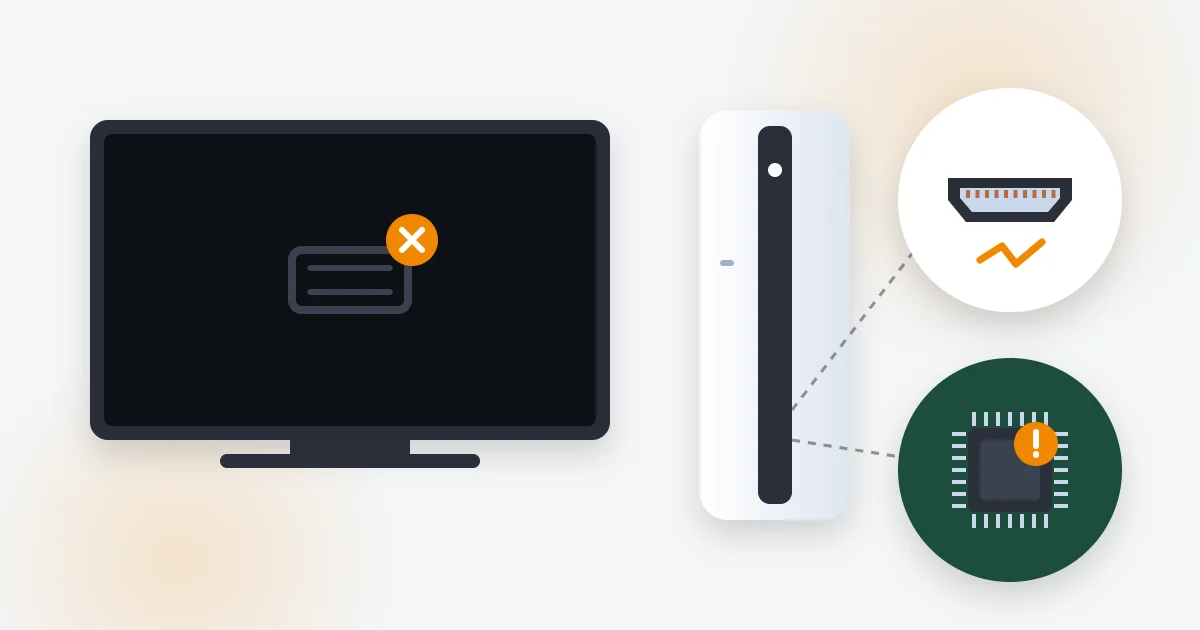
You switch on your PlayStation 5, the light comes on, but your TV stays black. Or you see ‘no signal’. Before you think about a repair: sometimes the problem is the cable or the TV. Here’s how to find out where it is.
Does the light on your PS5 come on but you get no picture? Unplug everything from the mains for 20 minutes, try a different HDMI cable and TV input, and start your PS5 in Safe Mode. If that doesn’t help, the problem is usually in the HDMI port or in the HDMI chip on the motherboard. We can tell which one it is with a diagnosis.
Look at the light first
- The light turns white, but you see nothing. Your PS5 is on, but the picture isn’t coming through. Keep reading.
- No light comes on at all. Then it’s a power problem, for example the power supply. That’s a different repair.
- The light keeps flashing blue and the PS5 switches off. Then there may be more going on. Have it checked.
What you can try yourself
- Everything off and wait 20 minutesSwitch off your TV and PS5, unplug them from the mains and wait 20 minutes. Sony gives this advice too.
- Different cable, different inputUse the HDMI cable that came with your PS5. Try a different HDMI input on your TV. For 4K at 120 Hz you need an HDMI 2.1 input. If you have another TV or monitor at home, try that too.
- Check your TVIs the TV set to the right source? Also install the latest software on your TV.
- Start in Safe ModeSwitch off your PS5. Hold down the power button and release it after the second beep, after about seven seconds. Connect your controller with a USB cable and press the PS button.
- Adjust the pictureIn Safe Mode, choose Change Video Output. Try Change Resolution first. If that doesn’t help, set HDCP Mode to HDCP 1.4 only.
- Can’t see Safe Mode either?Then try yet another HDMI cable, USB cable and power cable. If it stays black, it’s probably not down to your settings.
HDMI port or HDMI chip: what’s the difference?
The picture from your PS5 passes through two components before it goes into the cable.
The HDMI port
This is the socket on the back, where you plug in the cable. It breaks if someone trips over the cable, if the PS5 falls over or if you move it while the cable is still plugged in. You can often see it on the port itself: it’s loose, the inside is bent or the cable no longer fits properly. Sometimes you only get a picture if you hold the cable in a certain position.
The HDMI chip
Behind the port there’s a small chip on the motherboard. It makes sure the picture signal goes into the cable strong and clean. This chip can break because of a power surge, for example during a thunderstorm or via the TV, because of heat, or after damage to the port. The port then looks fine, but you get no picture or the picture keeps dropping out.
| HDMI port | HDMI chip | |
|---|---|---|
| Where is it? | Socket on the back | On the motherboard, behind the port |
| How does it break? | Pulling, dropping, moving | Power surge, heat, after damage to the port |
| What do you see? | Port is loose or bent | Port looks fine, but still no picture |
| Price at Fixers | from €119 | €139 (PS5 and PS5 Slim) |
Sometimes it’s both. That’s why we first look at what exactly is broken.
What does it cost?
A new HDMI port costs from €119 at Fixers. A new HDMI chip costs €139 for the PS5 and PS5 Slim. If you’re not sure what’s broken, we start with a diagnosis for €29. If you have us repair it, the diagnosis fee is deducted from the price. If something else on the motherboard is broken, you’ll hear the price first before we go any further.
Just bring your PS5. You can leave your controller and cables at home, unless you doubt whether the cable is broken.
Get your PS5 repaired
Choose your PS5 model and then HDMI port, HDMI chip or diagnosis. You’ll see the price straight away.
- Open 7 days a week
- Up to 12 months’ warranty
- 8 stores and 8 Repairbars
Frequently asked questions
Can I replace an HDMI port myself?
Preferably not. The port is soldered to the motherboard with a row of tiny pins. With ordinary soldering equipment, you’re more likely to break things than fix them.
Will I lose my games and saves?
Normally not. During an HDMI repair, your PS5’s storage isn’t touched. If you have PlayStation Plus, back up your saves to the cloud to be safe.
Does this also apply to the PS5 Slim and PS5 Pro?
Yes. The Slim and the Pro also have an HDMI port and an HDMI chip that can break. You can see the price per model in our booking tool.
My PS5 won’t turn on at all. Is that HDMI too?
No. If no light comes on, it’s usually the power supply or something on the motherboard. In that case, choose a diagnosis.
Do you also repair Xbox and Nintendo Switch?
Yes. With an Xbox or Switch that has no picture, it can also be the HDMI port or the HDMI chip. With the Switch, the problem is sometimes in the dock.
Daan has been a technician at Fixers for three years and is certified for Apple (Atlas) and Samsung (GSPN). He works at Fixers Leiden and helps write the knowledge base, so you can often solve a problem yourself first.