How to protect your phone against theft (iPhone and Samsung)
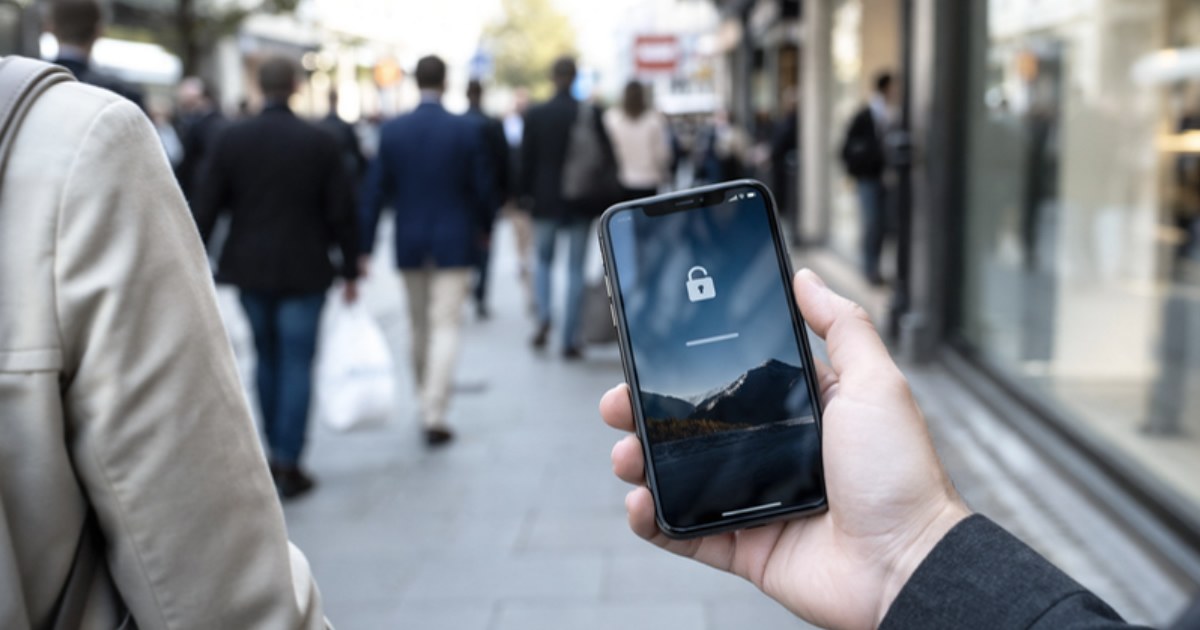
Phone thieves are getting smarter. They watch while you enter your passcode and then grab your phone. With your passcode, they can get into your banking apps and accounts. These settings make that a lot harder. It takes ten minutes.
Use a passcode of at least six digits, turn on Stolen Device Protection on an iPhone and Theft Protection on a Samsung, and make sure Find My or SmartThings Find is on. Set a SIM PIN and don’t show message content on your lock screen.
1. A strong passcode
A four-digit code is easy to spy on. Choose at least six digits, or a code with letters. Enter it on the train or on a terrace in a way that nobody can see. Use Face ID or your fingerprint wherever you can.
2. On an iPhone
- Stolen Device ProtectionSettings › Face ID & Passcode. When you’re away from your familiar locations, your iPhone then asks for Face ID for sensitive actions, such as changing your Apple Account password.
- Find MySettings › your name › Find My. Turn on Find My iPhone, the Find My network and Send Last Location.
- Previews offSettings › Notifications › Show Previews › When Unlocked. That way a thief can’t see login codes on your lock screen.
3. On a Samsung
- Theft protectionSearch Settings for theft protection. Turn on Identity Check and Theft Detection Lock.
- Find My MobileTurn on Find My Mobile, Offline finding and Send last location. Read more in our article about a stolen Samsung.
- Hide notificationsDon’t show message content on your lock screen.
4. For every phone
- SIM PIN. This stops a thief from using your SIM card in another phone to receive text message codes.
- Two-step verification on your e-mail, Apple Account or Google account, and bank.
- Note down your IMEI number. Dial *#06# and keep the number. You’ll need it when you report a theft.
- Not on the table. On a terrace or on the train, a phone left on the table is quickly gone.
Found it again but it’s damaged?
Choose your device and the repair. You’ll see the price straight away.
- Open 7 days a week
- Warranty of up to 12 months
- Ready while you wait
Frequently asked questions
What do I do if my phone has just been stolen?
Lock it using Find My or SmartThings Find, block your SIM card, change your passwords and report it to the police.
Can a thief wipe my phone and sell it?
With Find My or a linked Samsung or Google account, that is very difficult because of Activation Lock.
Is Face ID safer than a passcode?
It stops people from watching you enter your code. Your passcode is still important, so make it long enough.
What is a SIM PIN?
A code your SIM card asks for after the phone starts up. Without that code, the SIM card won’t work in another phone.
Also read
Our technicians repair phones, tablets and laptops every day in the Fixers stores and Repairbars. What we come across in the workshop, we write down in the knowledge base, so you can often try to solve a problem yourself first.