S Pen not working on your Galaxy S Ultra: how to fix it

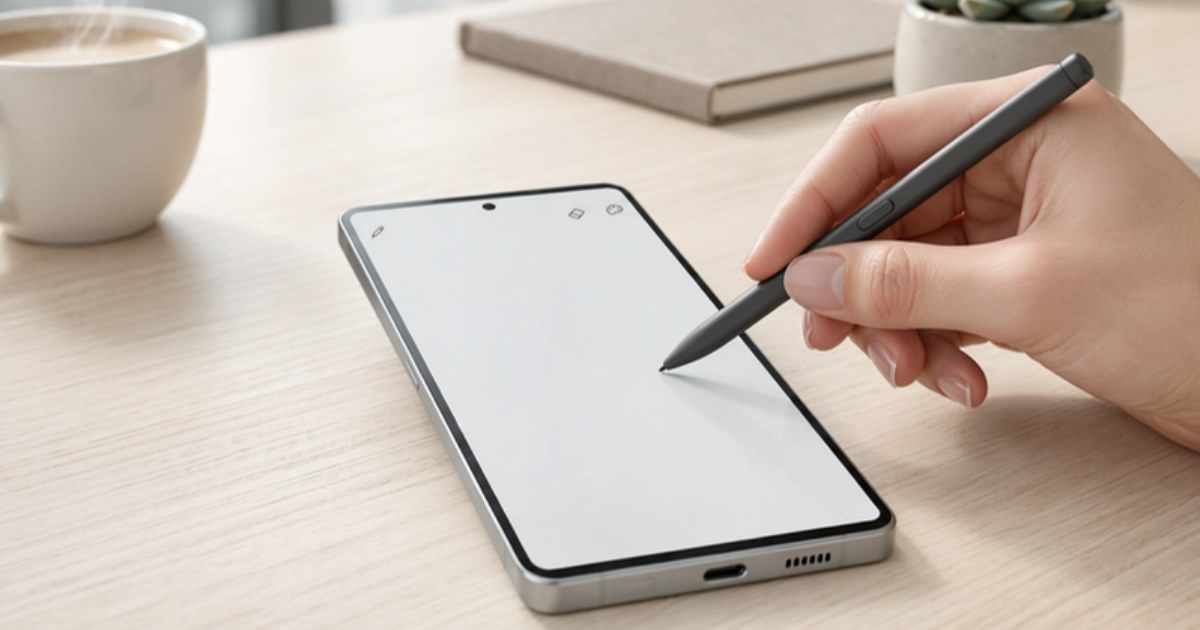
The S Pen is one of the reasons you have a Galaxy S Ultra. If it suddenly stops working, or writing becomes jerky, you want it sorted quickly. It’s often something small. But sometimes the problem is in the screen.
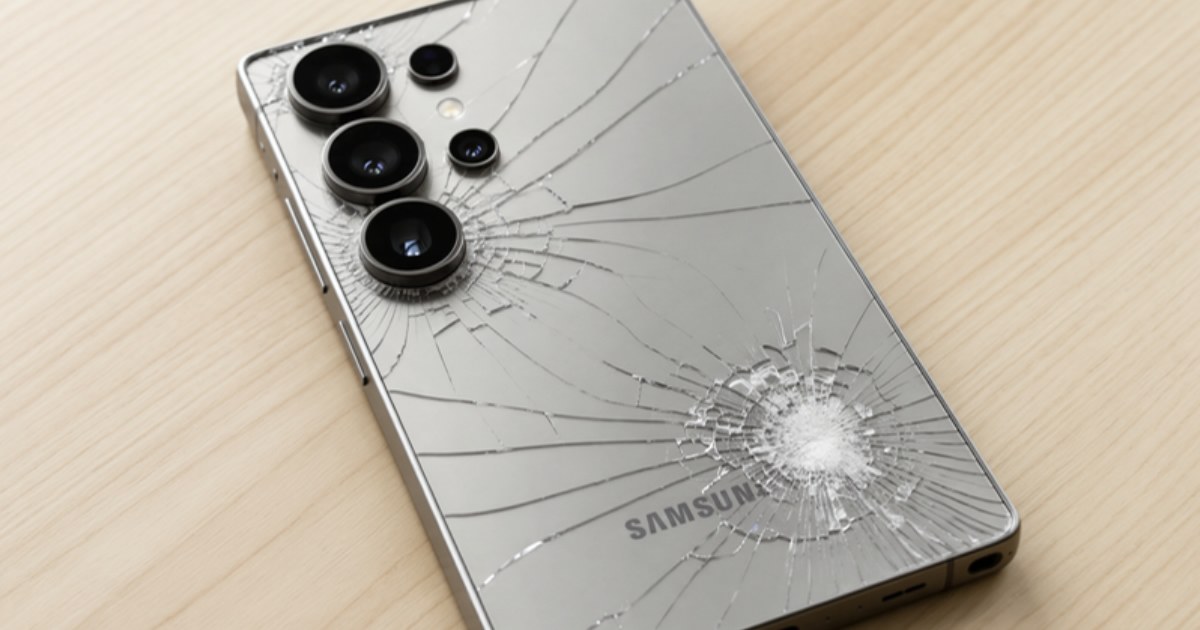
Check that the S Pen is switched on in the settings, replace the tip if it’s worn and take off your screen protector. If it still doesn’t work afterwards, while touch with your finger works fine, the problem is in the layer under the screen that recognises the S Pen. That happens after damage or after a screen repair with a non-original screen.
Quick checks
- SettingsSettings › Advanced features › S Pen. Check that the S Pen features are switched on.
- The tipA flat or short tip writes badly. The box often contains a spare tip and tweezers to change it.
- Screen protectorA thick or cracked screen protector can interfere with writing.
- Test in Samsung NotesThat way you know whether it’s down to one app or to everything.
Which S Pen do you have?
The S Pen of the Galaxy S22, S23 and S24 Ultra has Bluetooth, for remote control such as taking photos with a click. From the S25 Ultra onwards, there is no Bluetooth in the S Pen any more. Writing works on all Ultra models without a battery in the pen. So if only the remote control doesn’t work, it’s a Bluetooth issue. An S Pen from a Galaxy Fold or tablet doesn’t always work on an S Ultra.
When the screen is the cause
Under the screen of an S Ultra is a special layer that recognises the S Pen. If the screen is damaged, or after a screen repair with a cheap screen without that layer, the S Pen doesn’t work or only works on part of the screen. Your finger often still works. In that case, an original Samsung screen is the solution.
Replace the screen of your S Ultra
Choose your Samsung and then Screen. We first test whether the problem is with the S Pen or the screen.
- Open 7 days a week
- Up to 12 months’ warranty
- Ready while you wait
Frequently asked questions
Does the S Pen need a battery to write?
No. Writing works without a battery. Only the remote control on older models uses Bluetooth.
Why isn’t my S Pen working after a screen repair?
A screen without the layer for the S Pen has probably been fitted. An original screen solves that.
How do I replace the S Pen tip?
Pull the old tip out with the tweezers and press a new one in.
Will a different S Pen work on my S Ultra?
Not always. Use an S Pen that belongs to your model.
Read also
Daan has been a technician at Fixers for three years and is certified for Apple (Atlas) and Samsung (GSPN). He works at Fixers Leiden and contributes to the knowledge base, so that you can often solve a problem yourself first.