Samsung screen black, but your phone still works

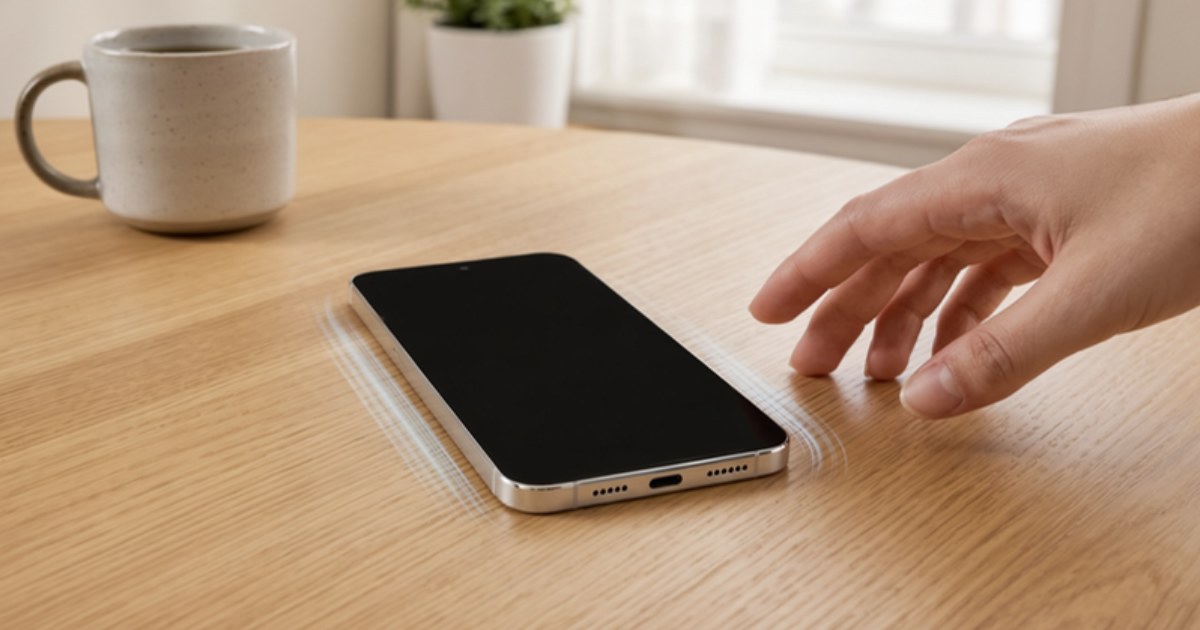
Your Samsung vibrates, you can hear notifications coming in and it rings when you call it. But the screen stays black. That’s incredibly annoying, because you can’t do anything. Fortunately, the phone itself is often still fine and the problem is in the screen.
Force restart your Samsung by holding the volume down button and the side button together for 10 seconds. If the screen stays black, the display is broken, even if you can’t see a crack. After a screen repair your data will still be on it.
First: force restart
- Hold down two buttonsVolume down and the side button at the same time, for about 10 seconds.
- Let go at the logoIf you see the Samsung logo, it was a software problem.
- Charge itIf the battery is empty, nothing will happen. Let it charge for half an hour and try again.
Why does the screen stay black?
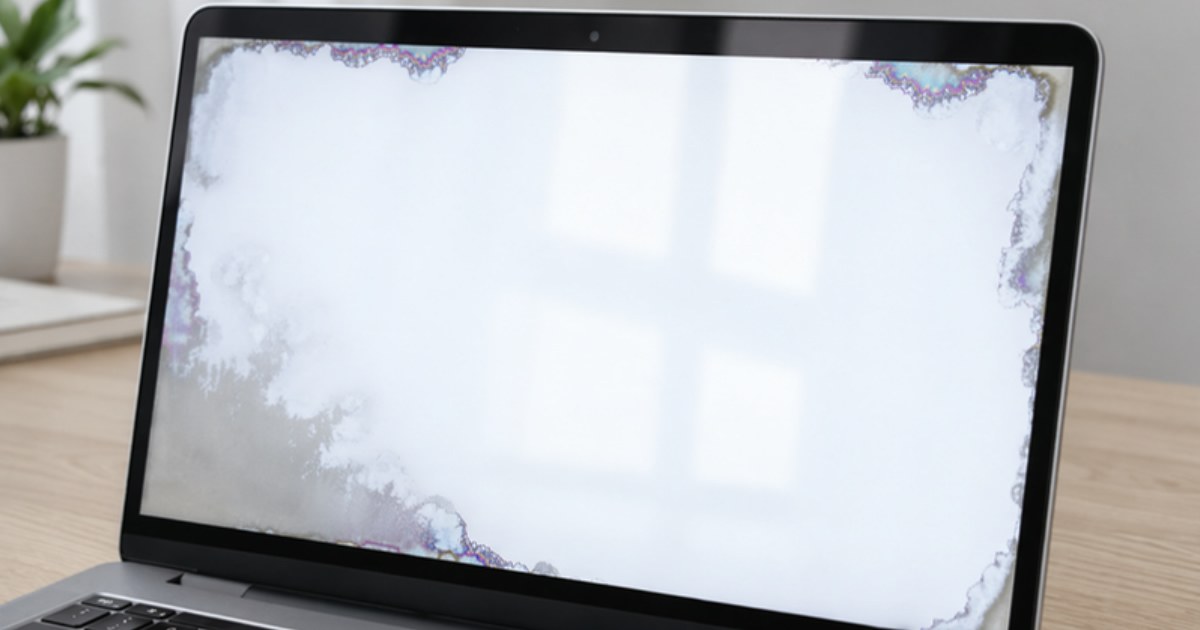
With an OLED screen, the display under the glass can break without you seeing a crack. This happens after a drop, from pressure in your pocket or after moisture. Sometimes you first see a green line or stains before the screen goes completely black. Also read our article about a green line on your Samsung screen.
Saving your data
- Cloud backup. If Samsung Cloud or Google Backup is turned on, your photos and contacts are probably already safe.
- External display. Galaxy S models can send the picture to a monitor or TV via the USB-C port. That way you can sometimes still get to your data.
- Screen repair. After a new screen, everything is still on there. That’s usually the quickest way.
Samsung screen replacement
Choose your Samsung, then Screen. Your data stays on the phone.
- Open 7 days a week
- Warranty of up to 12 months
- Ready while you wait
Frequently asked questions
Will I lose my data with a new screen?
No. Your data is stored in your phone, not in the screen.
Can the screen be broken without a crack?
Yes. The display under the glass can be damaged by a drop or pressure.
My Samsung doesn’t respond to anything. Is that the screen too?
Not always. If it doesn’t vibrate or make sounds either, it could be the battery or the motherboard. We’ll test that.
Can I back up my data myself with a black screen?
It’s difficult. With an external display via USB-C it sometimes works on a Galaxy S.
Read also
Daan has been a technician at Fixers for three years and is certified for Apple (Atlas) and Samsung (GSPN). He works at Fixers Leiden and helps write the knowledge base, so you can often solve a problem yourself first.