Burn-in on your Samsung screen: how to spot it and prevent it

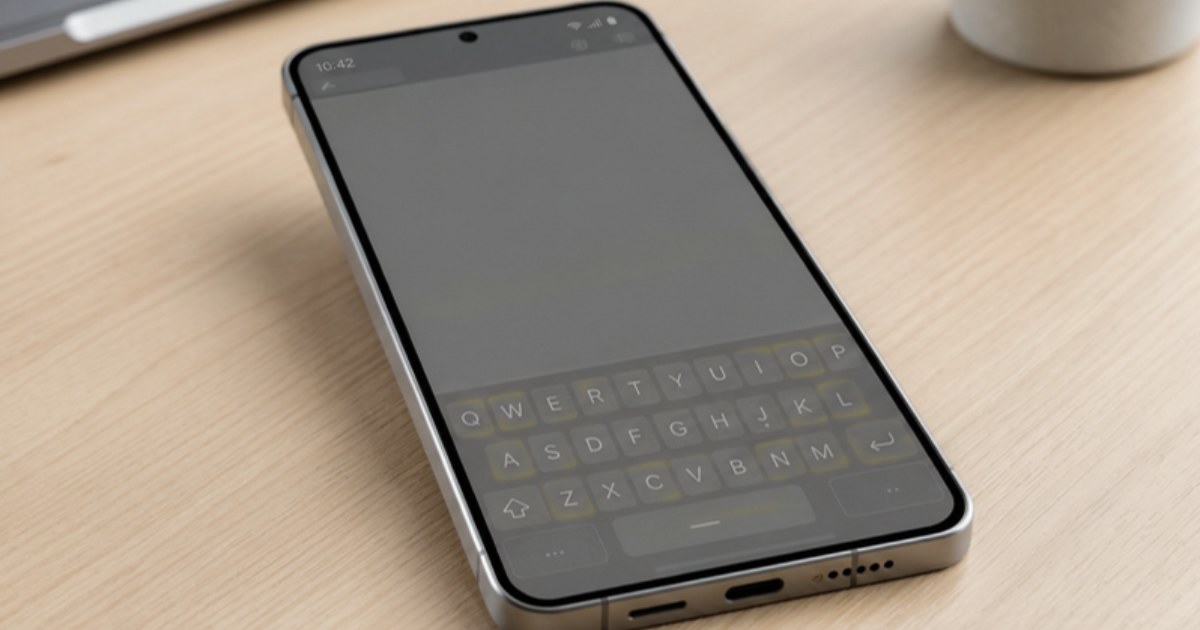
On a grey or white image you suddenly see faint shadows: the letters of your keyboard, the buttons at the bottom or the bar of an app. This is called burn-in. It happens with OLED screens, which are found in almost all Galaxy S models and many A models.
Burn-in is permanent. A screen does not recover from it. If you have only noticed it on a plain background, you can carry on using your phone without any problem. If it bothers you, a new screen is the only solution. With dark mode, lower brightness and gestures instead of buttons, you prevent it from getting worse.
How to spot it
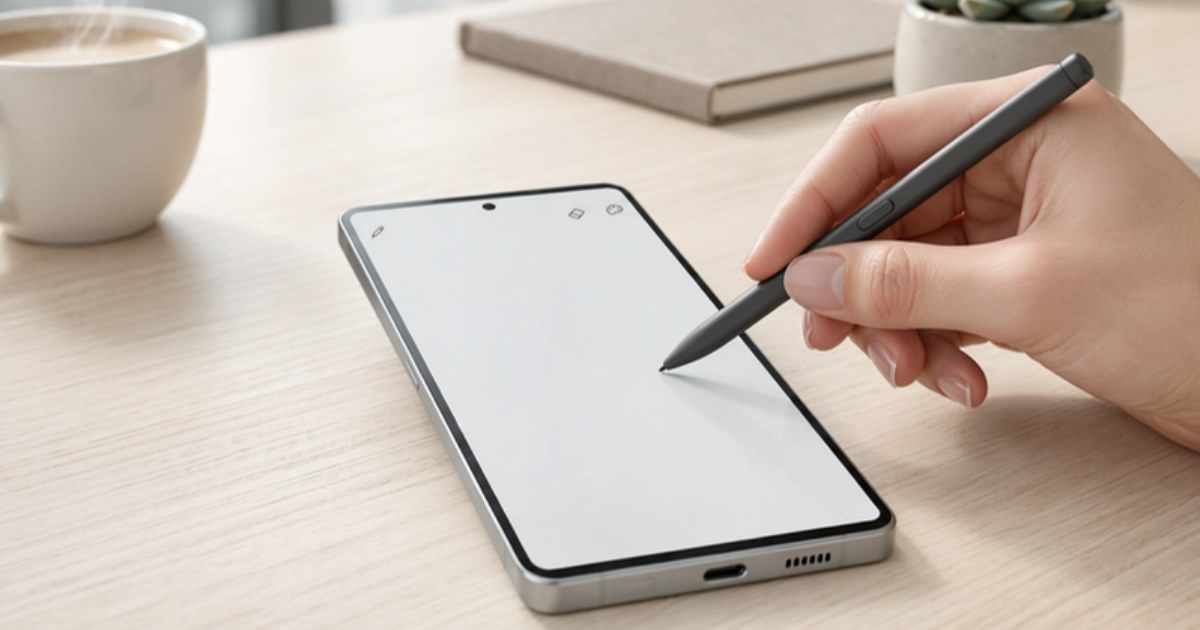
- Open a plain grey or white imageFor example an empty note or a grey photo, at full brightness.
- Look at fixed spotsThe keyboard at the bottom, the status bar at the top or the buttons of an app you use a lot.
- Wait a few minutesIf the shadow is gone after a few minutes, it was temporary image retention. If it stays, it is burn-in.
Why does it happen?
Every light point on an OLED screen wears out a little when it is lit. Pixels that show the same thing very often, such as the white bar of a navigation app or your keyboard, wear out faster than the rest. On a plain image you then see the difference. High brightness and long screen time speed it up.
How to stop it getting worse
- Use dark mode.
- Turn on adaptive brightness and do not keep the brightness at maximum unnecessarily.
- Use gestures instead of the button bar at the bottom.
- Make your screen switch off sooner, for example after 30 seconds.
- If you navigate a lot, choose the night mode of your navigation app.
Samsung screen replacement
Choose your Samsung and then Screen. You will see the price for your model straight away.
- Open 7 days a week
- Warranty of up to 12 months
- Done while you wait
Frequently asked questions
Does burn-in go away by itself?
No. Temporary image retention does, but real burn-in stays.
Do all Samsungs suffer from this?
Only models with an OLED screen. That is all Galaxy S models and many A models.
Does an app help against burn-in?
Not really. There are apps that flash colours, but they cannot reverse it.
Is burn-in a warranty fault?
Usually not, because it is caused by use. Check with your seller.
Read also
Daan has been a technician at Fixers for three years and is certified for Apple (Atlas) and Samsung (GSPN). He works at Fixers Leiden and helps write the knowledge base, so that you can often solve a problem yourself first.