MacBook USB-C port not working: how to test it

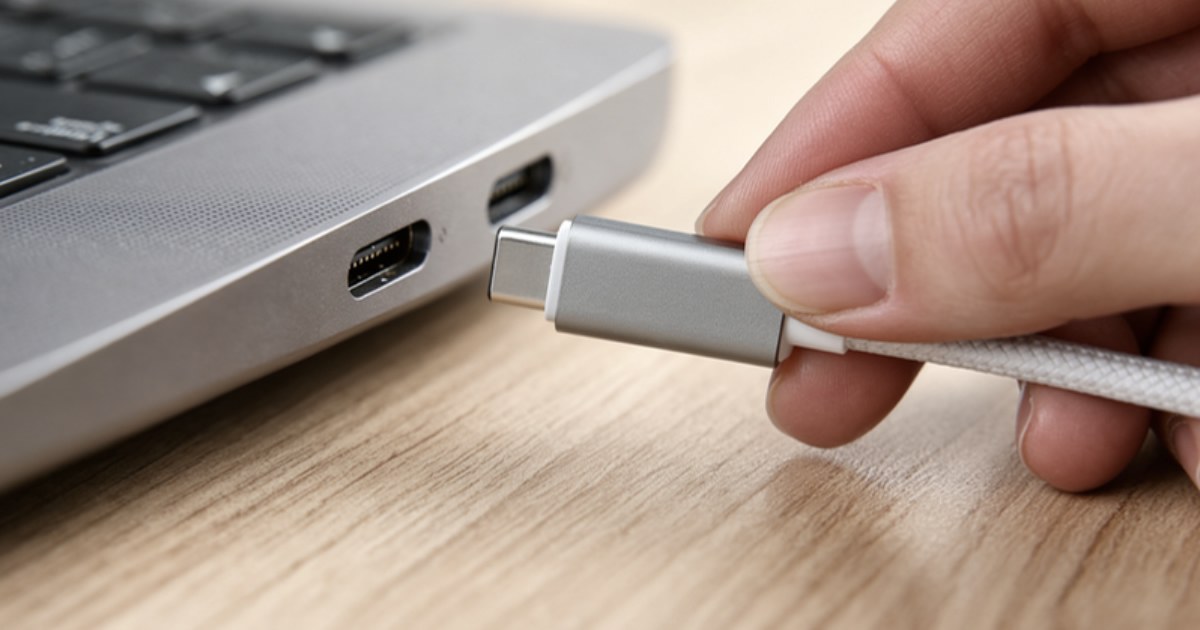
The plug is in, but your MacBook isn’t charging. Or your external drive isn’t recognised. USB-C ports are handy, but also sensitive. With a few simple tests you’ll know whether the problem is the cable, the adapter or the port itself.
Try a different port, a different cable and a different adapter. Not every USB-C cable can charge or transfer data. If it works on one port but not on another, and the plug is loose or warm there, that port is damaged and needs to be repaired.
How to test it
- Different portMost MacBooks have several USB-C ports. If one works, you know which one is broken.
- Different cableCheap cables sometimes only charge, or are too weak for your MacBook.
- Different adapterA 20-watt phone charger is too weak to charge a MacBook properly.
- MagSafeDoes your MacBook have a MagSafe connection? Then charge with that while you test the ports.
- RestartA restart sometimes fixes a port that has got stuck.
Is your device not being recognised?
A Mac with an Apple chip asks the first time whether a new accessory may connect. If you refused, it won’t work. Look in System Settings › Privacy & Security at the option for accessories. In System Information › USB or Thunderbolt you can see whether your Mac sees the device.
When is the port broken?
- The plug is loose or falls out.
- It only charges if you hold the cable in a certain position.
- The port gets warm or you smell something burnt.
- There is visible dirt, rust or a bent contact inside.
If you smell something burnt, stop using that port. During the repair we replace the USB-C module or the part the port is mounted on.
Get your USB-C port repaired
Choose your MacBook and then Charging port. We first test which port is causing the problem.
- Open 7 days a week
- Warranty of up to 12 months
- Done while you wait
Frequently asked questions
Can I charge my MacBook with a phone charger?
Sometimes, but very slowly. Use an adapter with enough power for your MacBook.
Why does my MacBook not recognise my USB stick?
You may have refused the connection, or the stick or the adapter may be broken. Try a different port.
Is one broken port a big problem?
You can use the other ports, but have it checked if it gets warm or smells burnt.
How long does it take to replace a port?
That depends on your model. It’s often done within a few days.
Read also
Daan has been a technician at Fixers for three years and is certified for Apple (Atlas) and Samsung (GSPN). He works at Fixers Leiden and helps write the knowledge base, so that you can often solve a problem yourself first.